Library

Library and Academic Services

News

Identifying credible information

November 24, 2020

Written by Bren Johnstone, RRC Library & Information Technology student

Person reading news on an electronic device.

Photo by Kaboompics.com from Pexels

Don’t get sucked in by fake news

You probably already know not to trust everything you read on the internet – but how comfortable are you really when it comes to checking the facts? In a world of constant updates, influencers, and increasing global awareness, it can be hard to keep track of what’s real and what’s a sensationalized story for internet fame. Use these resources to help build up your information literacy skills so you can spot the difference and avoid the trap of fake news.

What is media literacy anyway?

If literacy is the ability to make meaning out of words, then media literacy is the ability to think critically about that meaning. What is the goal behind it – selling something, convincing you to do something? Who is telling us, and what makes them a credible source or not? When did this happen? All of these questions can have an impact on how we understand what we’re being told.

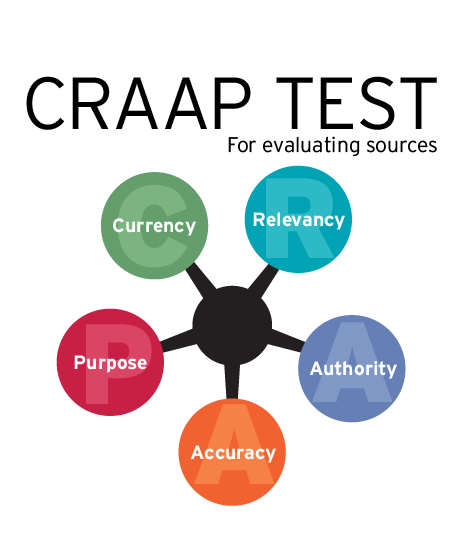
One way to remember this process is the CRAAP test, originally developed by the California State University:Diagram indicating the steps in the CRAAP test: Currency, Relevancy, Authority, Accuracy, Purpose

  • Currency – how recent is the information? How time-sensitive is it?
  • Relevance – is this information appropriate? Who is it meant for?
  • Authority – who is the source? What credentials do they have for this claim?
  • Accuracy – can this be verified by other sources? Is it everything, or just partial information?
  • Purpose – what’s the goal? Is this fact or opinion?

Resources

To get you thinking about media literacy, this article by Maribeth D. Smith, “Arming students against bad information,” outlines the CRAAP test in more detail as well as highlighting the dangers of buying into misinformation.

If you want to get right into the practical skills, here are two video tutorial series to get you started:

  • This video series by Crash Course and MediaWise is a good place to start identifying media literacy skills, like lateral-reading and evaluating evidence.
  • LinkedIn Learning has a whole course plan available on developing information literacy skills for academic research, including how to evaluate different types of sources and how to search effectively.

And if you learn best by example, the Infodemic blog is a great place to explore. The blog is run by Mike Caulfield who is a digital literacy expert and uses Covid-19 information as a guidebook to demonstrate essential fact-checking skills.

Looking for more resources?

Check out the library guide for more sources on how to evaluate websites and online resources here. Or contact the library staff by email at library@rrc.ca or by visiting library.rrc.ca and click on the Ask Us button. In addition, the Library’s broad selection of online books, videos, and journals may be accessed 24/7 through OneSearch​ (RRC log in may be required).


This academic year finds us in quite a different world; however, our commitment to providing you with the supports and services you need to succeed at RRC remains unchanged. As we continue this year together, the Academic Success Centre & Library are here for you.

Free Supports From Your Library and Academic Success Team!

October 22, 2020

A special message from Library Services

This new academic year finds us in quite a different world, however, our commitment to providing you with the supports and services needed to succeed at RRC remains unchanged; in fact, it has grown stronger. We have expanded our online services, and also provide some onsite supports as requested, which means we are able to meet you where and when you need us. As we continue this fall term together, we are here for you.

Online supports

Our virtual services and support are available to you for free five days a week during the following hours:

Monday – Thursday
7:45 am – 5:00 pm

Friday
7:45 am – 4:30 pm

See below for an overview of what we offer and how to access our services.

Academic Success Centre

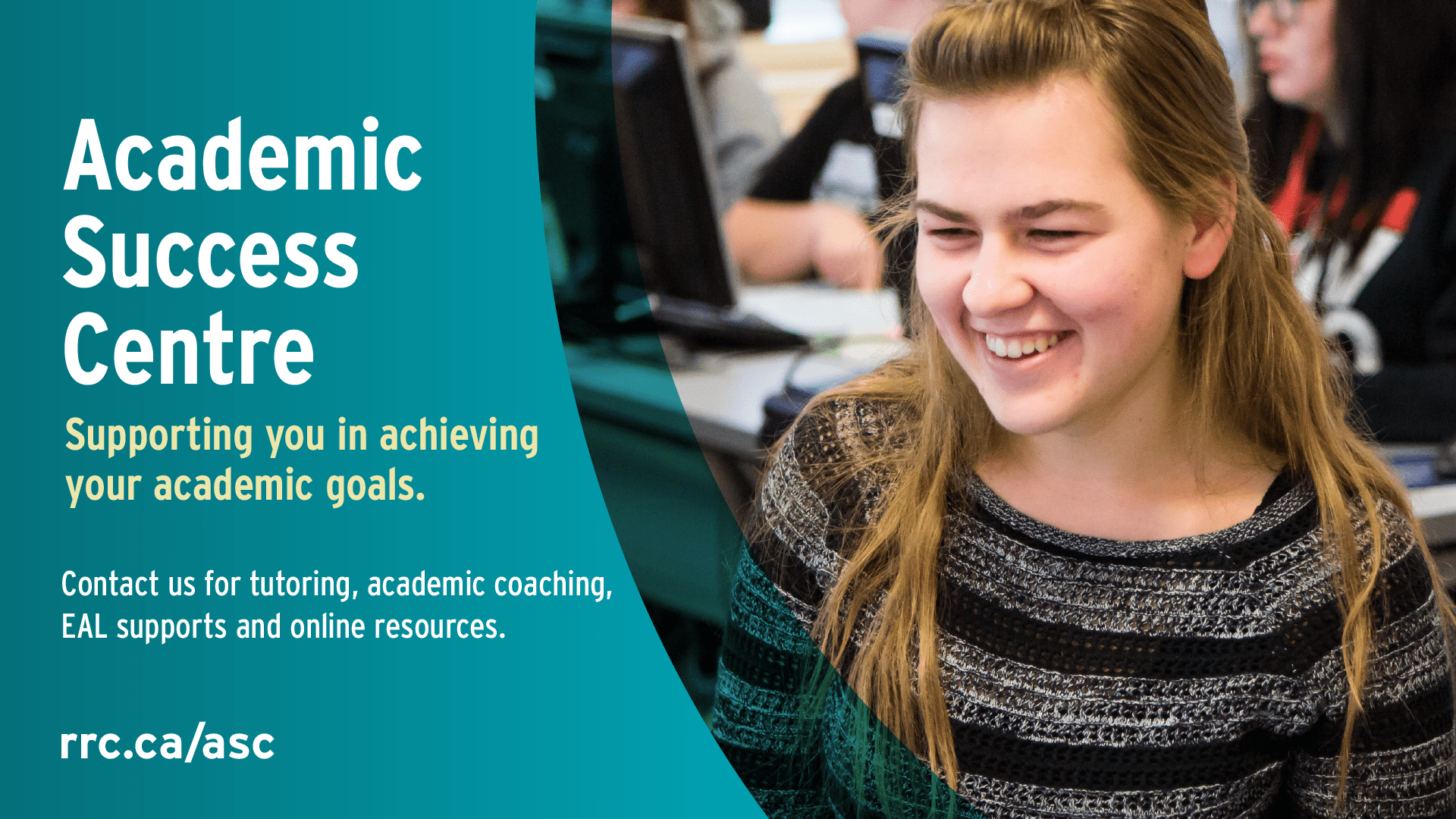
Female students with a big smile. Text: Academic Success CentreThe Academic Success Centre offers an array of academic supports and services online, by e-mail or phone – visit their website and connect with them! They have a dedicated group of tutors and specialists ready to support you in your course work. To request tutoring, academic coaching, EAL supports, or academic writing support, students can complete the Tutoring and Coaching Request Form.

RRC Library

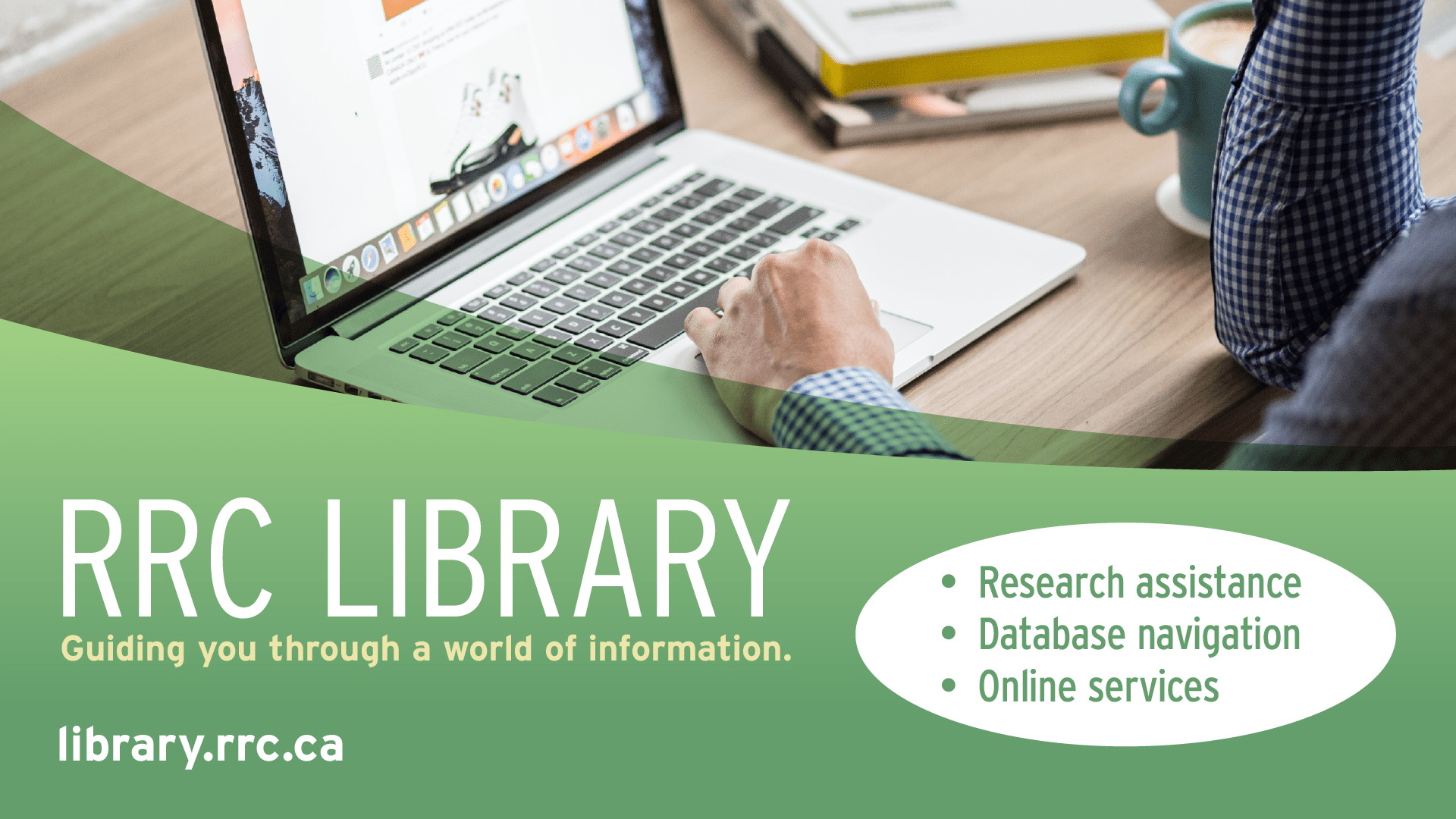
Person working at a laptop with books at the side. text: RRC Library: Guiding You Through A World of Information.The Library’s online services remain as robust as ever, with continual improvements in programming and content. In addition to guides and mini-lectures on demand, the Library’s online collection is available 24/7 through OneSearch. We help students with research and database navigation through various online options such as chat, email and Teams. To ask a question or connect with a Library staff member, visit library.rrc.ca and click on the Ask Us bubble.

Or connect with us in-person

On Mondays and Wednesdays, the NDC Library is open 7:45 am – 5:00 pm. Come by for a quiet place to focus on your work (free wi-fi included) and in-person assistance from a Library staff member.

Onsite tutoring and EAL supports are available by appointment at NDC on Mondays and Wednesdays (daytime) and at EDC on Fridays (daytime). To book an appointment, students can complete the Tutoring and Coaching Request Form.

Open Access Week October 19 – 23

October 9, 2020

Open access logo appears as open lock


Image: Rafabollas / CC BY-SA (https://creativecommons.org/licenses/by-sa/4.0)

Open Access (OA) week 2020 will be hosted internationally October 19 – 25. Open access is a set of principles and a range of practices through which research outputs are distributed online, free of cost or other access barriers. With open access strictly defined, barriers to copying or reuse are also reduced or removed by applying an open license for copyright. We see the principles of OA in Open Education. [i]

Event:

OER logoIf you want to learn more about Open Access and the use of Open Educational Resources (OER) be sure to register for the Red River College Open Access Week Event here: Open Educational Resources (OER) adoption and adaptation Session  – Oct. 20, Noon – 1PM  hosted by the Red River College Copyright Officer in partnership with Campus Manitoba.


In the Spirit of OA week let’s ask ourselves some complicated questions:


Image of bookWhy should Open Access Matter to Educators?

Sun Yang associate professor of China University of Political Science and Law stated “It is naturally accepted that teachers should have the authority to determine the specific use of their course materials by third parties, including their students. Without their permission, no one should copy, distribute, delete or modify the copyrighted course content. In an offline environment, copyright is controlled through physical copies which are purchased. This becomes a challenge in online classrooms.”[ii]

While the original goal of the Open Educational Resource (OER) initiatives was to make higher education more accessible by reducing students costs through the use of openly licensed textbooks these resources now serve educators in the wake of a pandemic as valuable and adaptable tools for the online classroom. OER supports Open Access principles by freely allowing modifications, adaptations, and format transitions without the need to seek costly or time consuming copyright permissions for modification to fit online institutional environments, platforms and classrooms.

The restrictive licensing agreements and terms of copyright applied to many digital textbooks and supplementary materials from publishers make it difficult to adapt materials in new ways to engage students in online learning environments. Materials can further have restrictive licensing agreements that make it confusing to establish when the material can be used in conjunction with a Learning Management System (LMS/LEARN). OER’s have become powerful tools in aiding educators in the adaptability they need to function in continually changing teaching environments that can move from the classroom in person, to digital online learning with little notice and their access to the physical resources of their institutional libraries continues to be limited or completely cut off.


Image of grad capWhy Should Open Access Matter to Students?

UNESCO stated that, “…as of 17 May 2020, almost 1.21 billion learners were affected (by the global pandemic), accounting for 69.3% of the world’s student population. The global education community continues to face the major challenge of providing interactive and motivating educational experience during school and university closure. In this special situation, Open Educational Resources (OER) have never been so urgently and broadly needed like today.”[iii]

OER’s can involve students directly in the adaption and building of the learning materials they engage with. They allow students to contribute to online education which can be built upon by others around the globe and allow classes and instructors to source global perspectives to incorporate into College programs. These skills as well as the experience of involvement in the creation of resources for teaching and instruction ensure the student experience is intellectually rigorous, experiential and robust. Student involvement in OER development and adaptation can upon graduation stand as a real world example of experience and skills gained by the student in their education. This can be helpful in providing prospective employers meaningful examples of not only the skills they have acquired but “what” they have accomplished during their studies, in contributing to educational resources that can be used by other educational institutions around the globe.

OER’s and Open Access resources also reduce the cost textbooks and supplementary materials to students as these resources are free and openly available alternatives to traditional textbooks and supplementary material.


image of globeWhat is the Role of Open Access in a post pandemic society?

UNESCO (2020) has recently launched a call stating that “the Covid-19 crisis has resulted in a paradigm shift on how learners of all ages, worldwide, can access learning. It is therefore more than ever essential that the global community comes together now to foster universal access to information and knowledge through OER.” [iv] Open Access to information is the free, immediate, online access to the results of scholarly research, and the right to use and re-use those results as you need. Open Access  has the power to transform the way research and scientific inquiry are conducted. It has direct and widespread implications for academia, medicine, science, industry, and for society as a whole.


For more on the importance of OA check out this video from PHD Comics.

Sources:

[i] ‘International Open Access week, about page’ Accessed September 30, 2020 http://www.openaccessweek.org/page/about

[ii] Yang, S. (2020). ‘As teaching shifts online during the epidemic, it faces copyright issues.’ Accessed September 30, 2020 https://news.cgtn.com/news/2020-02-20/Copyright-concerns-as-teaching-shifts-online-during-epidemic-OejyJkh3xu/index.html

[iii] & [iv]  UNESCO (2020) ‘Guidance on Open Educational Practices during School Closures: Utilizing OER under COVID-19 Pandemic in line with UNESCO OER Recommendation’ Accessed September 30, 2020 https://iite.unesco.org/wp-content/uploads/2020/05/Guidance-on-Open-Educational-Practices-during-School-Closures-English-Version-V1_0.pdf


Library Lunch and Learn – October/November Edition

October 1, 2020

Join Us For Lunch and Learn a New Skill!

Laptop displaying Library Lunch and Learn logo on the screen. Text says, "Library Lunch and Learn Video Version"The world of information is increasingly vast and also tainted by a great deal of misinformation. Library Lunch and Learn is a series of mini-lectures designed to teach you the specifics of finding and evaluating information. We also demonstrate the ins and outs of individual databases, which offer a wealth of information catered to your area of expertise.

October/November 2020 Schedule

Below is the October/November schedule of popular Library Lunch and Learn topics. For the complete list of available Lunch and Learn videos, visit the Library Lunch and Learn page, which is updated weekly.

Monday, October 5
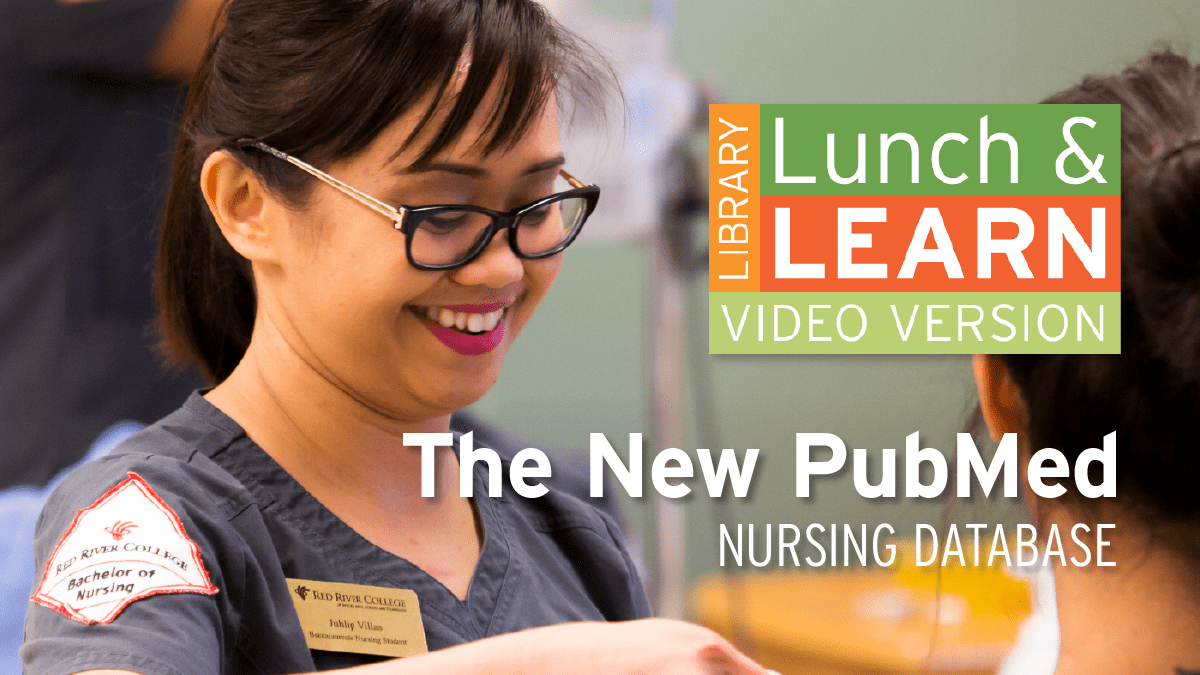
The New PubMed – Nursing Database

Nursing student. Lunch and Learn logo. Text: The New PubMed - Nursing Database

PubMed is an open-access database, created by the National Library of Medicine, that contains more than 30 million citations and abstracts of peer-reviewed biomedical literature. PubMed is used by researchers the world over.

Wednesday, October 7
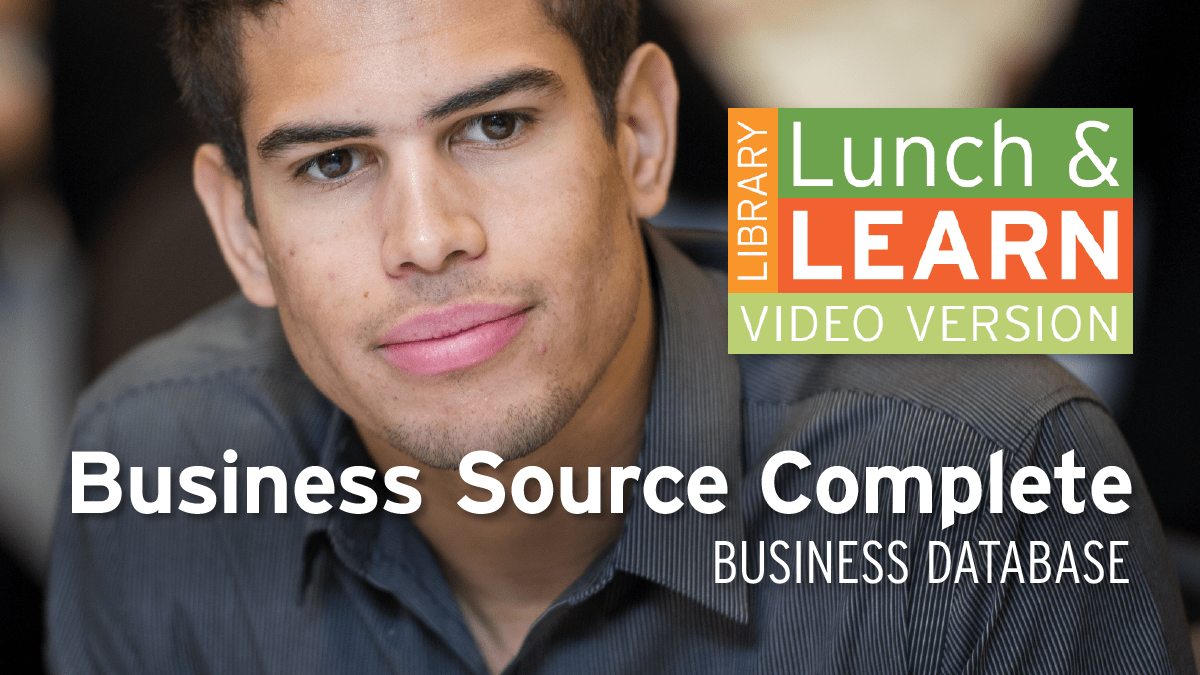
Business Source Complete – Business Database

Business Student. Lunch and Learn logo. text: Business Source Complete - Business Database.

This essential database for business students contains tens of thousands of full-text journal and magazine articles as well as newspaper items and e-books. Find current news stories, case studies, industry reports, market research reports, company profiles, SWOT analyses, and more greatly enhance your understanding of the world of business.

Wednesday, October 14
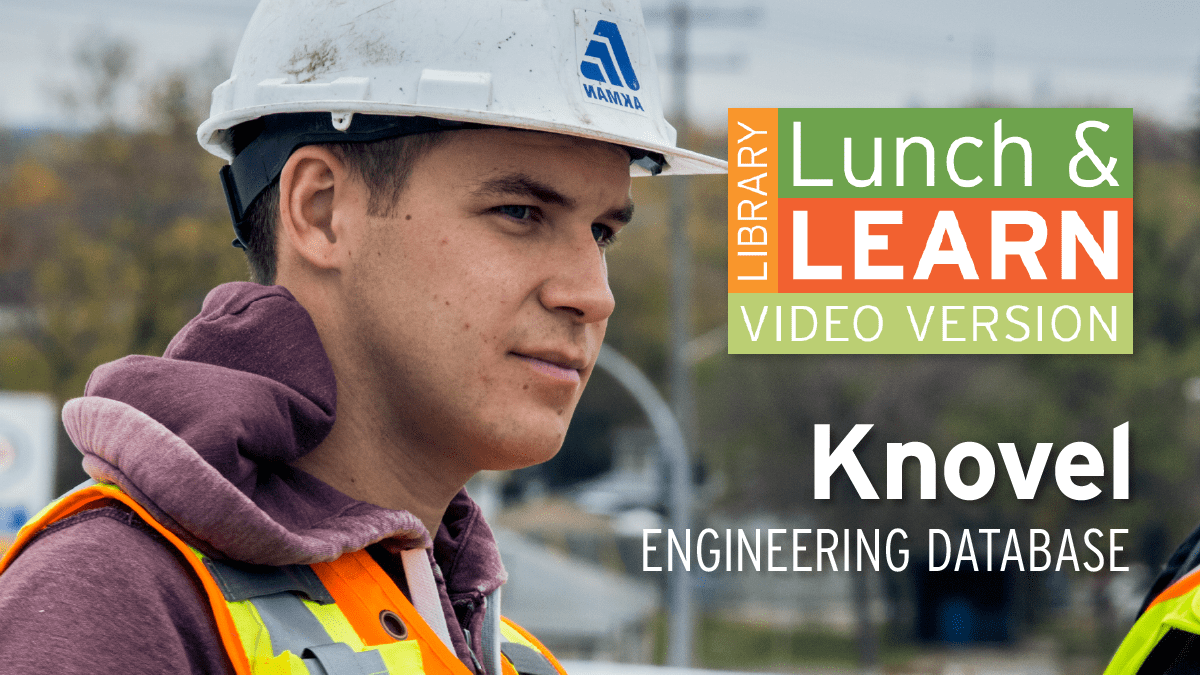
Knovel – Engineering Database

Student on construction site. Lunch and Learn logo. Text: Knovel - Engineering Database.

Knovel is more than a database of e-books covering a variety of engineering subject areas. This unique database also features interactive tools including Properties Materials Search; Interactive Equations, the browser-based calculation software – Equation Solver, detailed Unit Converter, Steam Calculators, Interactive Periodical Table, and the ability to create and share folders of your saved results and work.

Monday, October 19
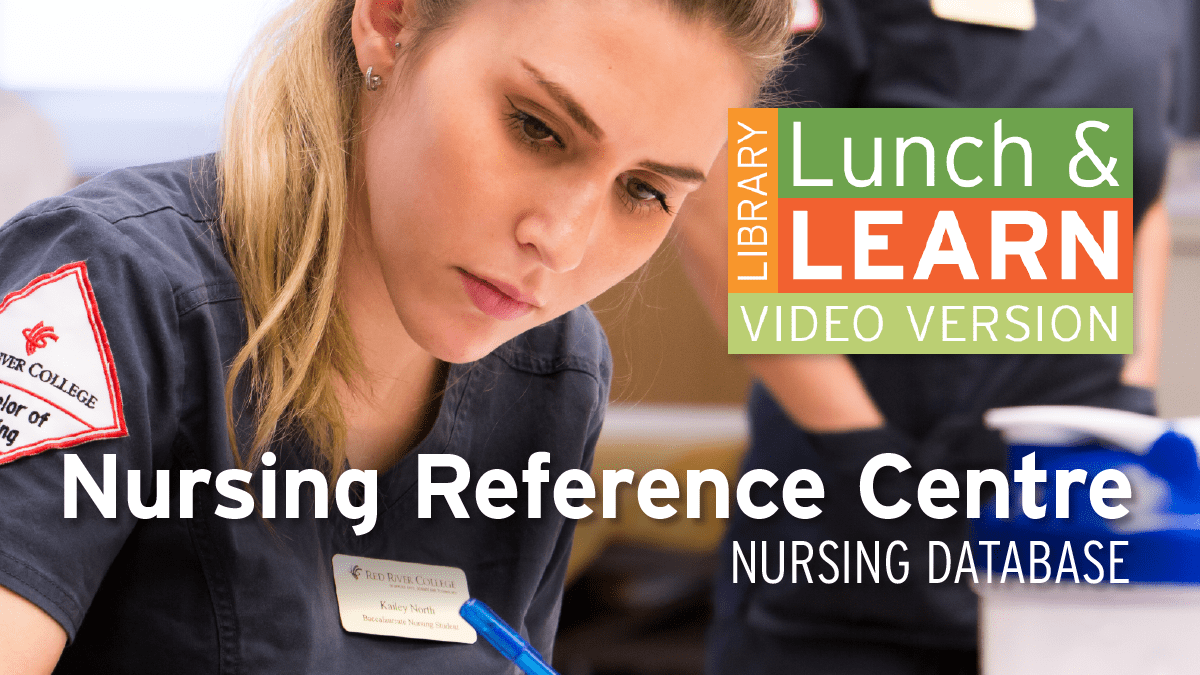
Nursing Reference Centre – Nursing Database

Nursing student. Lunch and Learn logo. Text: Nursing Reference Centre - Nursing Database.

Designed specifically for nurses, this resource provides evidence-based information for point of care, continuing education, drug databases, nursing research, and more.

Wednesday, October 21
How Not to Drown in Information

A person looking up information on a tablet. Lunch and Learn logo. text: How not to drown in information

Forget information overload, we often feel like drowning in information with nobody throwing us a lifeline to shore. From CRAAP to RADAR, pick up some quick tips to evaluate information while researching for an assignment and learn how Google/Wikipedia can work with library resources not against.

Monday, October 26
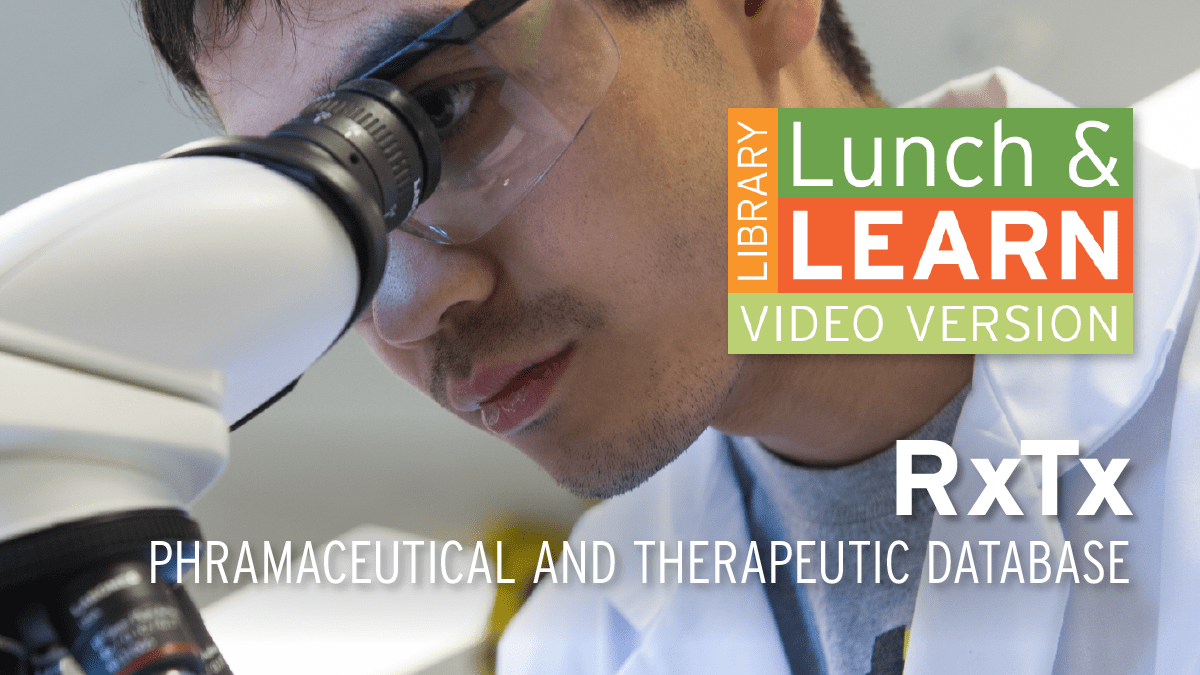
RxTx – Pharmaceutical and Therapeutic Database

Person in lab coat looking into a microscope. Lunch and Learn logo. text: RxTx - Pharmaceutical and therapeutic database.

RxTx is Canada’s authoritative source for prescribing and managing drug therapy, providing online access to evidence-based, reliable Canadian drug, and therapeutic information. In this session, we will explore the multiple facets of the Canadian Pharmaceutical Association’s RxTx database.

Wednesday, October 28
IBISWorld – Business Database

Business student having a conversation. Lunch and Learn logo.Text: IBISWorld - Business Database.

For Business students and anyone researching industry information, IBISWorld is a go-to database. It provides access to Canadian and US industry reports containing trends, market information, industry statistics, competitive landscape, and other industry-related information.

Monday, November 2
Making the Most of LinkedIn Learning

Man in suit making thumbs up signal. Lunch and learn logo. text: Making the Most of LinkedIn Learning.

The LinkedIn Learning videos, formerly known as Lynda.com, have found their way into course work and even our Library guides. This session provides a refresher on what it is and how to navigate the various parts of a LinkedIn Learning Course to take advantage of this powerful tool for learning.

Wednesday, November 4
MarketLine – Business Database

Person pointing a pen at a sheet with graphs and statistics on it. Library Lunch and Learn logo. Text: MarketLine - Business Database.

Business and Marketing students need to locate quality business information. Be sure to familiarize yourself with Marketline to access 50,000 industry, company, and country profiles. Profiles offer standardized market data, competitive analysis, and other insights into business organization and function. You will also find socio and macroeconomic insights.

Have a question?

Ask Us button for Library chatDuring the Library’s regular hours, a friendly staff member is available to chat with you online. Just click on the Ask Us bubble at library.rrc.ca.


Whether you’re at home or on campus, Library Services is here to support you and help you reach your goals.

Cinematic Journeys Through Truth and Reconciliation Week

September 28, 2020

In honour of Truth and Reconciliation Week (Sep 28 – Oct 2, 2020), RRC Library has compiled three “cinematic journeys” that address topics central to this annual event. The first two collections (“cinemas”) portray residential school experiences and stories of violence against Indigenous women — serious and sensitive topics that may disturb some viewers. The third cinema is a tribute to Indigenous women, revealing the strength, honour, and respect they bring to families and society as a whole. Through real-life stories and perspectives, these films are intended to encourage understanding and participation in the healing process of Truth and Reconciliation.

Explore Further

We encourage you to explore beyond these films by visiting the Truth and Reconciliation webpage developed by RRC’s School of Indigenous Education. Also of interest are the Library’s Indigenous Education Guides and the National Film Board’s listing of Indigenous Cinema.

Cinema 1: Residential Schools

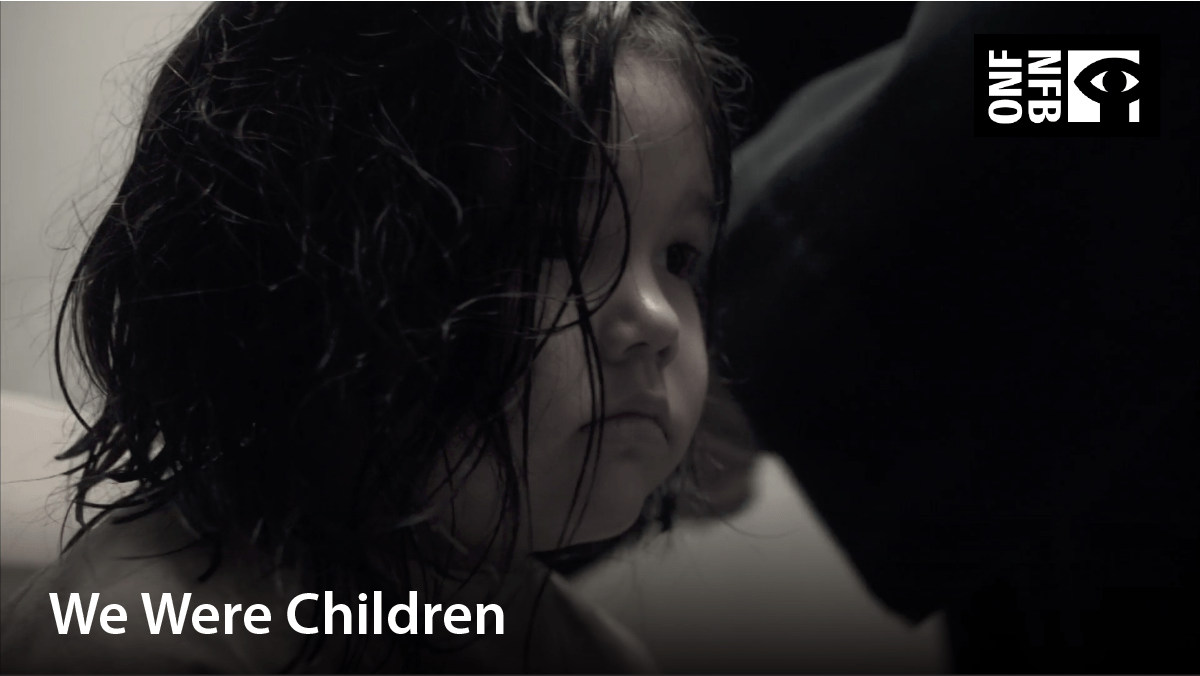
Young Indigenous girl getting her hair cut upon arrival to the residential school. Film title: we were children

We Were Children (2012, 1 h 23 min) The profound impact of the Canadian government’s residential school system is conveyed through the eyes of two children who were forced to face hardships beyond their years. We Were Children gives voice to a national tragedy and demonstrates the incredible resilience of the human spirit.

Image of girl balancing a book on her head. Film title: Holy angels

Holy Angels (2017, 13 min) A powerful portrayal of Canada’s colonialist history using impressionistic images and the fragmented language of a child. Filmed with a fierce determination to not only uncover history but move past it, Holy Angels speaks of the resilience of a people who have found ways of healing—and of coming home again.

Three people sitting on the deck beside a still lake. Film title: Stories are in our bones

Stories are in Our Bones (2019, 11 min) Filmmaker Janine Windolph takes her young sons fishing with their kokum (grandmother), a residential school survivor who retains a deep knowledge and memory of the land. Reconnecting with their homeland is a cultural and familial healing journey for the boys, who are growing up in the city. It’s also a powerful form of resistance for the women.

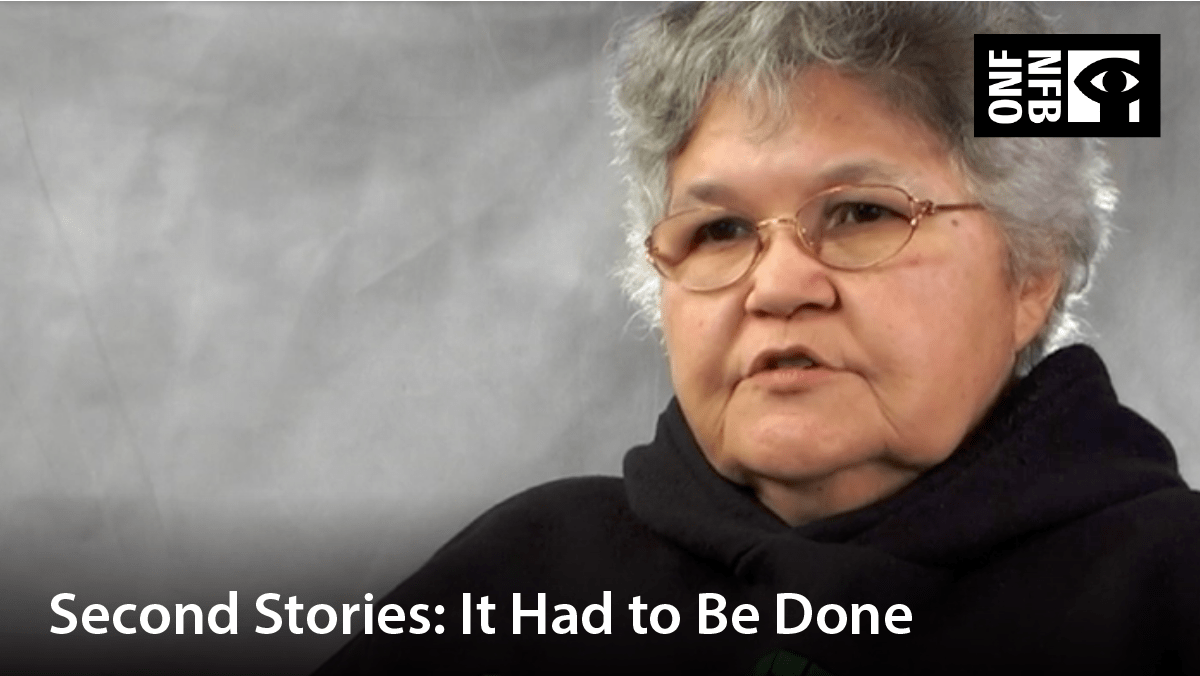
Indigenous woman with glasses, speaking. Film title: Second stories: it had to be done.

Second Stories – It Had to Be Done (2008, 22 min) Explores the legacy of residential schools through the eyes of two extraordinary women who not only lived it, but who, as adults, made the surprising decision to return to the school that had affected their lives so profoundly. This intimate and moving film affirms their strength and dignity in standing up and making a difference on their own terms.

Cartoon image of a boy in the cold. Film title: The secret path

The secret path (2016, 1 h) This powerful animated film tells the story of Chanie Wenjack, a 12-year-old Ojibwa boy who died of exposure in 1966 while running away from Cecilia Jeffrey Indian Residential School near Kenora, Ontario.

Cinema 2: Violence Against Indigenous Women (MMIWG)

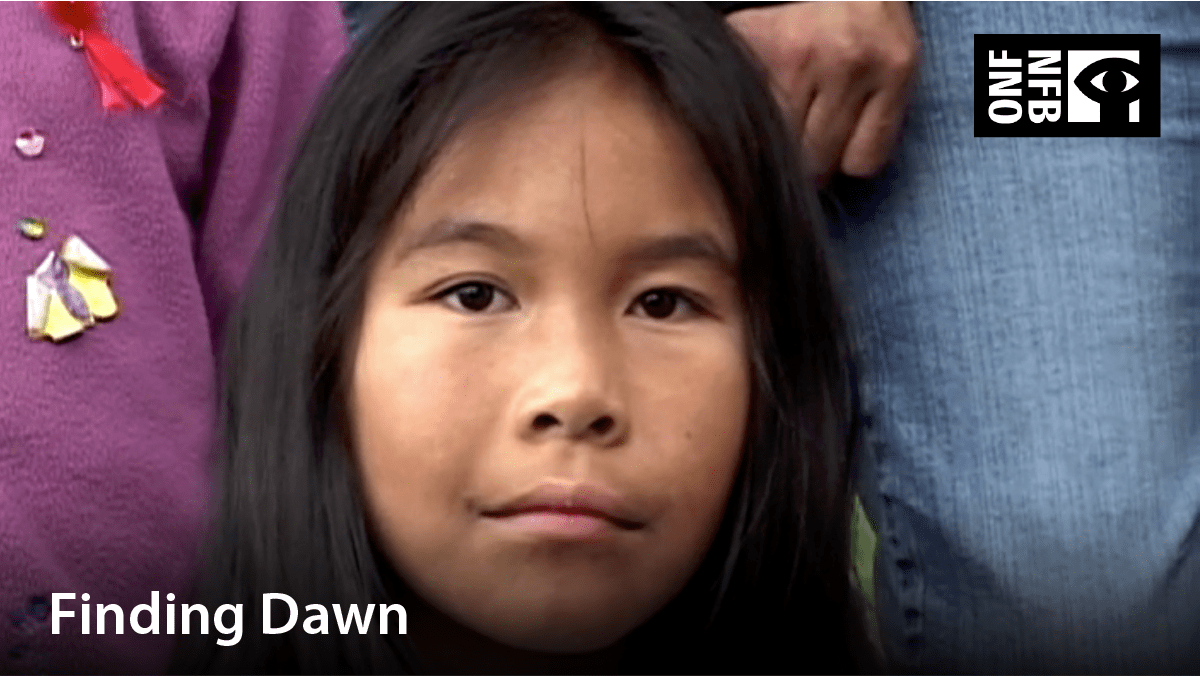
Image of an Indigenous girl. Film title: Finding Dawn

Finding Dawn (2006, 1 h 13 min) Acclaimed Métis filmmaker Christine Welsh brings us a compelling documentary that puts a human face on a national tragedy – the epidemic of missing or murdered Indigenous women in Canada.

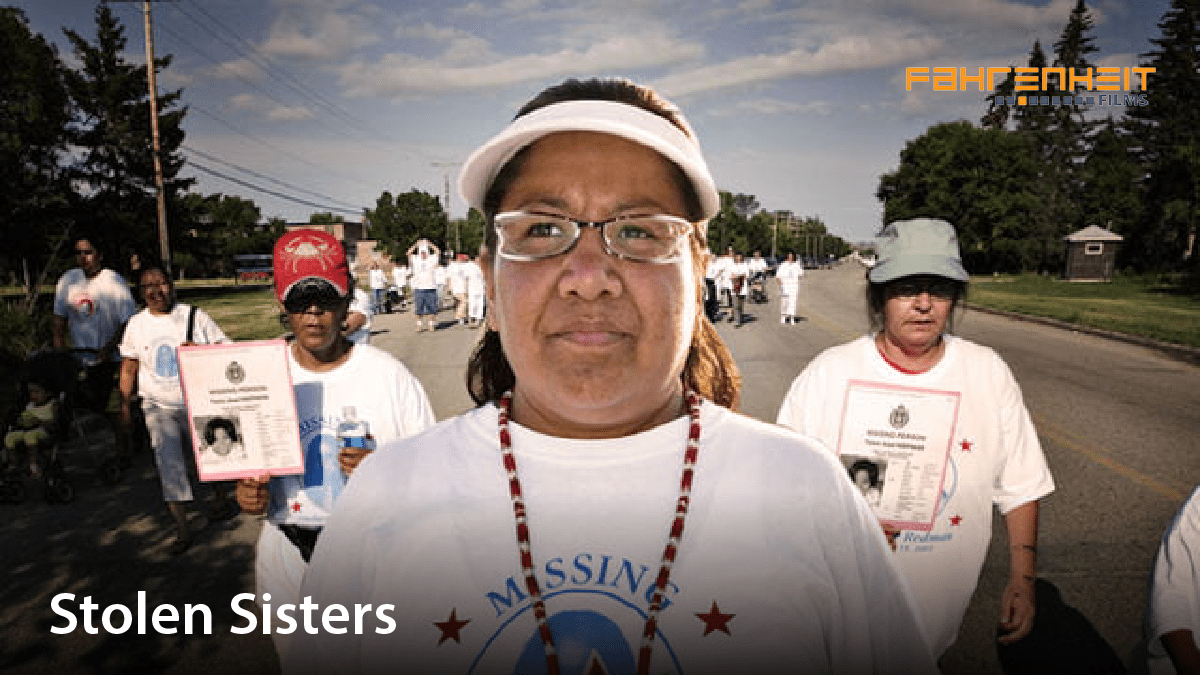
Women participating in an awareness march. Film title: Stolen sisters

Stolen Sisters (2007, 43 min) Stolen Sisters takes viewers inside this contentious issue, from the rolling farmland of Saskatchewan to the haunting depths of the dark alleys in Vancouver’s dangerous Hastings district. You will hear the stories of the missing and witness one family’s desperate search for their loved one.

Cinema 3: Honouring Indigenous Women

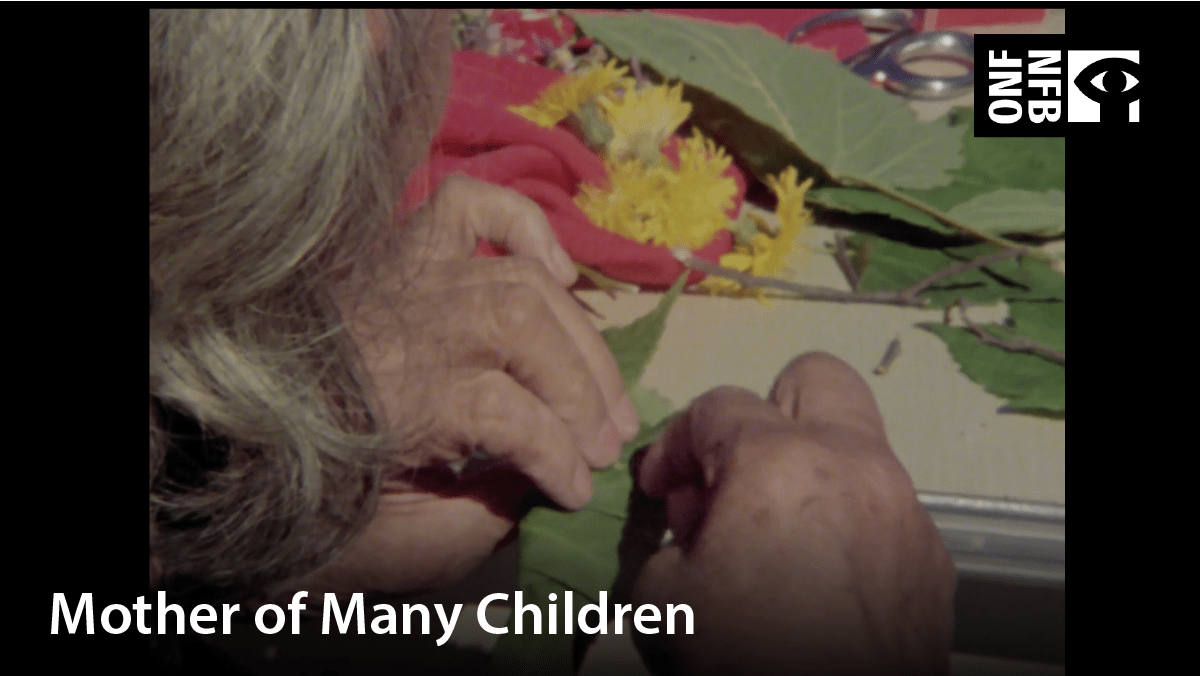
Sewing together leaves. Film title: Mother of many children

Mother of Many Children (1977, 57 min) Alanis Obomsawin honours the central place of women and mothers within Indigenous cultures. An album of Indigenous womanhood, the film portrays proud matriarchal cultures that for centuries have been pressured to adopt the standards and customs of the dominant society.

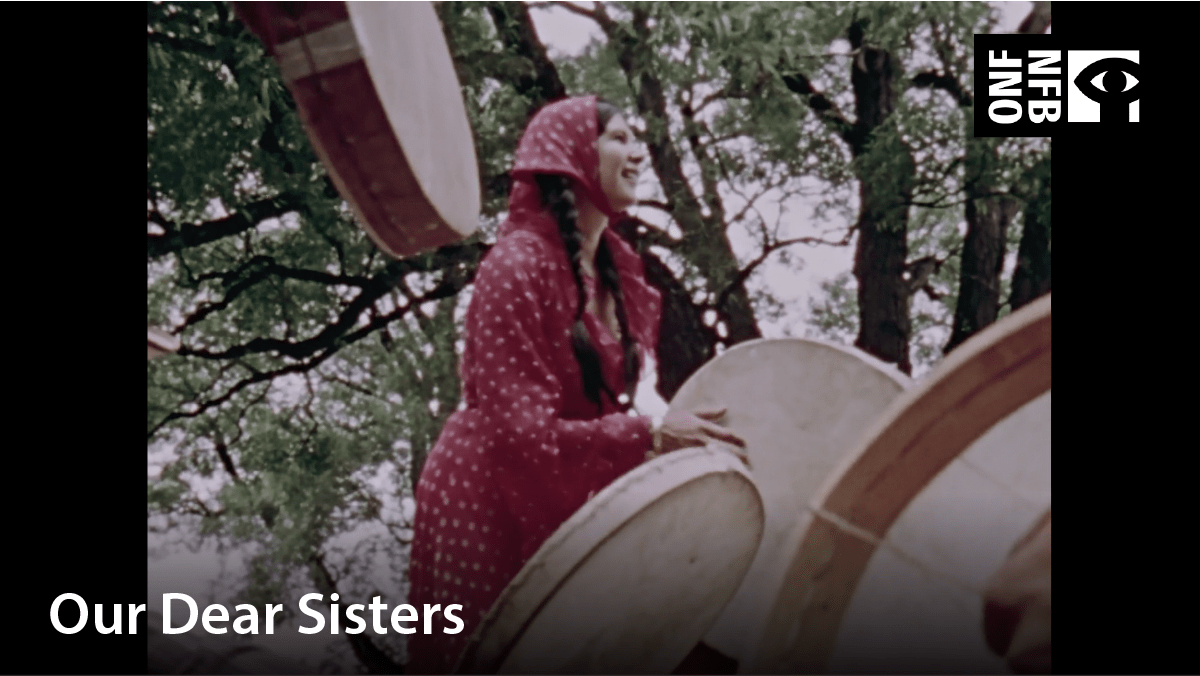
Young Indigenous girl participating in drumming group. Film title: Our dear sisters

Our Dear Sisters (1975, 14 min) Alanis Obomsawin, a North American Indian who earns her living by singing and making films, is the mother of an adopted child. She talks about her life, her people, and her responsibilities as a single parent. Her observations shake some of our cultural assumptions.

Indigenous woman with parka on. Film title: Martha of the North

Martha of the North (2008, 1 h 23 min) In the mid-1950s, lured by false promises of a better life, Inuit families were displaced by the Canadian government and left to their own devices in the Far North. In this icy desert realm, Martha Flaherty and her family lived through one of Canadian history’s most sombre and little-known episodes.

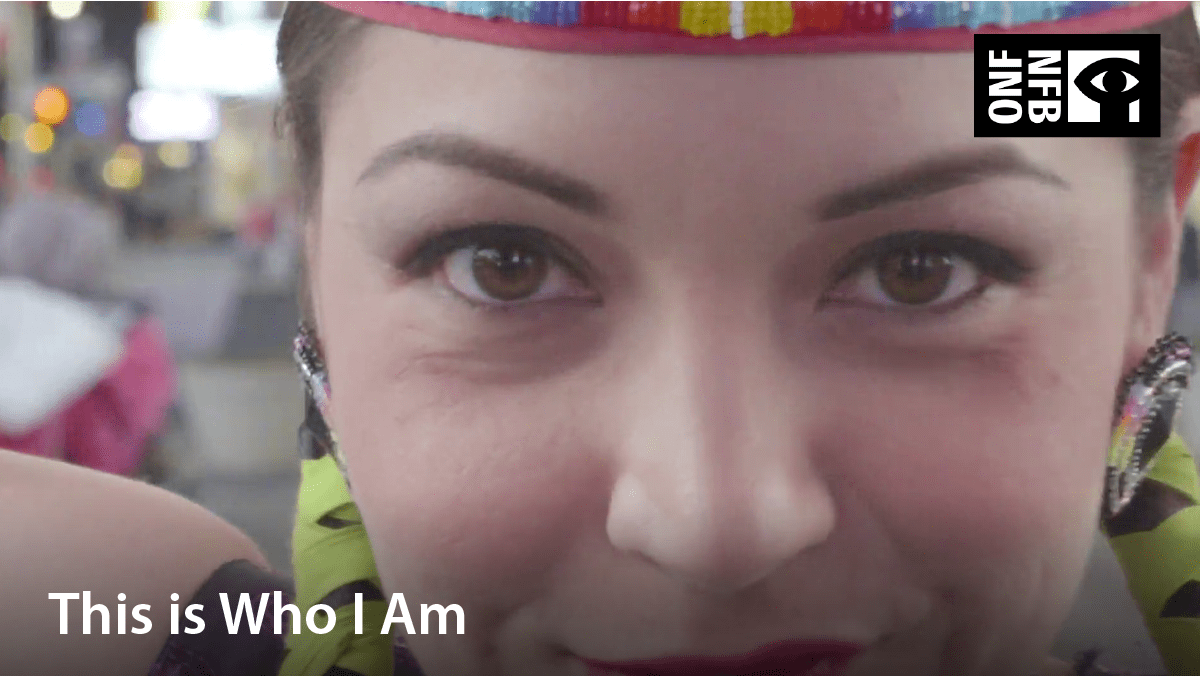
Indigenous girl dressed in dancing attire. Film title: This is who I am

This Is Who I Am (2018, 11 min) A young First Nations woman struggles with her identity in the big city. After a series of events, she realizes she can still be Anishinaabe, and in fact, it is her responsibility.

Written by Linda Fox–Library Technician, Program Support and Promotion

Library Lunch and Learn – September Edition

September 3, 2020

Library Lunch and Learn is Now Online

We have scheduled two videos per week of our popular Lunch and Learn topics. Links to these videos are available on the Library Lunch and Learn page. Each session will feature one topic to help you become efficient at finding and accessing quality information.

September Schedule

Here is the line-up of Lunch and Learn videos for the month of September:

Wed, Sep 9

OneSearch (new and improved)

Mon, Sep 14

Research Skills

Wed, Sep 16

RefWorks – Reference Management

Mon, Sep 21

UpToDate: Point-of-Care Clinical Database

Wed, Sep 23

Peer-Review

Mon, Sep 28

Advanced CINAHL (Nursing Database)

Wed, Sep 30

Crediting Ideas: Resources to Help Avoid Plagiarism

Want to See the Full Schedule?

To view the complete Lunch and Learn fall schedule, visit the Library Lunch and Learn page. Please note: this schedule is subject to change — always check the Events Calendar for current sessions.

Have a question? Ask Us!

Ask Us button for Library chatTo ask a question through our online service desk, simply visit library.rrc.ca and click on the Ask Us button.

What to Expect at RRC Library This Fall

August 31, 2020

Things Look Different On Campus, But Our Commitment Will Never Change

Myself and all the staff at the library are looking forward to finding creative ways to ensure we meet your information and study needs. (Alan Chorney, Manager, Information and Program Delivery)

NDC Library at the Notre Dame Campus has officially re-opened in a limited capacity. While we look forward to offering in-person service once again, we encourage our patrons to continue to take advantage of our online service desk, which is available during regular Library hours by clicking the Ask Us bubble at library.rrc.ca. Due to restrictions related to COVID-19, the physical Library is currently limited to 30 patrons at any given time.

Services and Spaces Available

The following spaces and services are currently available at the NDC Library:

  • Individual study spaces
  • One printer/photocopier
  • Three computer stations
  • Limited physically-distanced group study space
  • Borrowing of Library materials
  • Limited one-on-one tutoring
  • Reference services

What is Different?

We have spread things out to accommodate physical distancing. Masks are mandatory on campus, including in the Library spaces. You may still eat and drink in the Library but are expected to clean surfaces with the provided supplies before and after. All students are expected to have read the Before You Enter Campus Information on the College’s website before arrival.

Signage has been put up throughout the Library to help you know which spaces can and can’t be used. We have a variety of choices available, marked by signs that indicate “Individual Study Space” or “Group Study Space.” Three computers are open in addition to one printer/photocopier nearby. You will be asked to line up for service, and physical distancing is in effect throughout the Library. Signing in and out when you enter and exit is also a new requirement.

These images show how spaces at the NDC Library are looking these days:

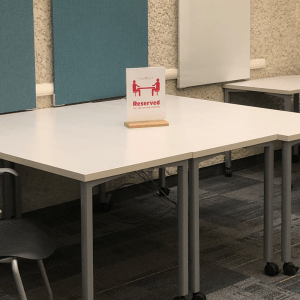
table reserved for tutoring

Reserved for one-on-one tutoring

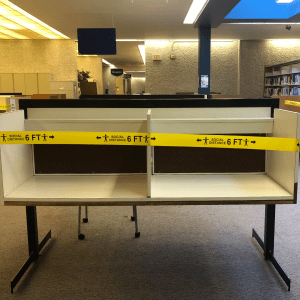
Two carrels taped off due to COVID-19 related restrictions

Taped off area in carrels

Individual study space by a window

Individual study space by a window

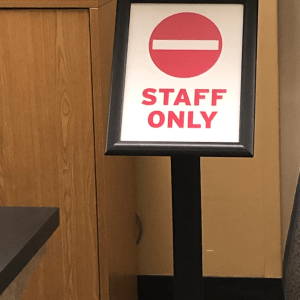
Staff only sign

Sign indicating a staff only area

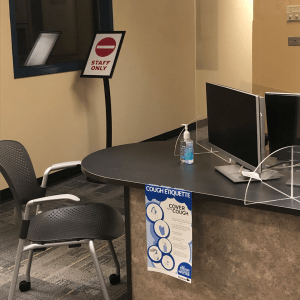
Service desk at NDC Library, with plexiglass

Service desk with plexiglass shields in place

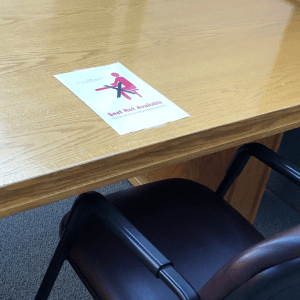
Sign indicating seat is unavailable

Signage indicating seat is unavailable

Lounge chairs for individual study

Lounge chairs for individual study

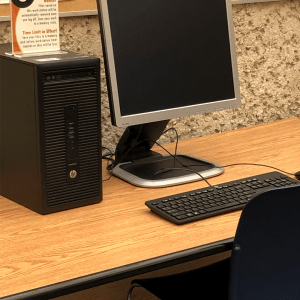
One of three computers available for use

One of three computers available for use

Carrels for individual study

Carrels for individual study

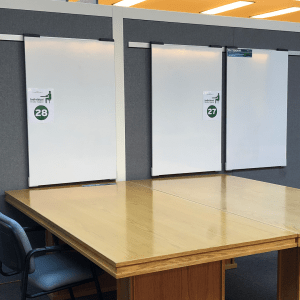
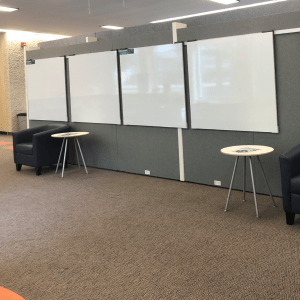
Large tables with whiteboards nearby

Large tables with whiteboards nearby

What Will Never Change

This new academic year finds us in quite a different world, however, our commitment to providing you with the supports and services you need to succeed at RRC remains unchanged; in fact, it has grown stronger. We have expanded our online services, which means we are able to meet you where and when you need us. Indeed, Library Services offers the same supports as always, just in different ways. As we venture forth together, we wish the College community of students and staff an insightful year of learning and discovery.

More information > COVID-19 FAQ page

Have a question? > Click on the Ask Us bubble at library.rrc.ca

Written by Linda Fox–Library Technician, Program Support and Promotion

GUIDE SPOTLIGHT | Working from Home: A Guide for Students

August 25, 2020

Working from Home – A Guide for Students

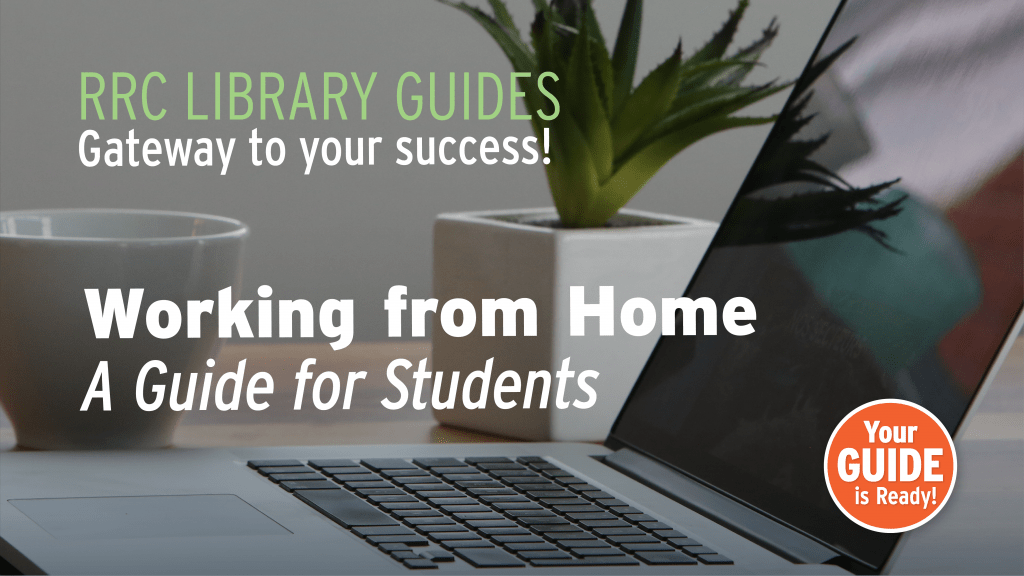
Laptop on table with plant and coffee cup. Text says: Working from home - a guide for students, RRC Library guides: gateways to your success!With courses moving online, we need to change the way we approach our work and study. In addition, you may be coping with anxiety and/or other emotions connected to COVID-19. Indeed, these are challenging times! That’s why RRC Library has compiled a guide to help students succeed at working and studying from home. 

What’s Inside

This guide covers everything from health and well-being to study tips and information you will need while at RRC. Here’s a list of the sections:

>> Library 24/7 
>> Creating productive habits 
>> Group work from home 
>> IT troubleshooting
>> Your well-being 
>> COVID-19 information
>> Online tutoring and academic support
>> RRC COVID-19 information for students 

Related posts:

Related guides:

Ask Us button for Library chatHave a question?

During the Library’s regular hours, a friendly staff member is available to chat with you online. Just click on the Ask Us bubble at library.rrc.ca.


Whether you’re at home or on campus, Library Services is here to support you and help you reach your goals.

NEW! Hybrid LEARNing Modules

August 24, 2020

Following Red River College’s Flexible Online Delivery Model, the Academic Success Centre (ASC) and Library have developed a suite of Hybrid LEARNing Modules featuring self-directed tutorials in LEARN and facilitated live sessions via WebEx.

Visit the Hybrid LEARNing Modules website for more information.

Complete this form to request LEARN tutorials and book live sessions.

Suite of Modules

The modules focus on standalone topics that faculty can use to provide their students with foundational skills for success in their studies. Click on each module link for learning outcomes and content.

 Online Learning

  Virtual Classroom Strategies

  Time Management Skills

  Reading

 Our Learning Mind

 Test Taking

  Working in Teams

 Intercultural Competence

 Academic Integrity

 Research Papers

 Professional Communication

 Library Basics

 Technology Literacy

Asynchronous Delivery: Self-Directed Tutorials

The modules feature 2-3 hour self-directed tutorials housed in LEARN that faculty can import into their own LEARN courses. The tutorials feature content from LinkedIn Learning, Learning Scientists study strategies, short pre-recorded MDR video lectures, and other resources, as well as learning activities.

Instructors can use the modules in a number of ways. They can use the complete module as an asynchronous independent learning activity, where students progress through all sections at their own pace, or select one or more sections, according to the needs of the students.

Alternatively, the instructor can choose to share the videos of each sub-module in a synchronous classroom setting and lead discussions about the topics introduced. Additionally, instructors can use section activities as assignments in order to assess students’ understanding of the content.

Synchronous Delivery: Facilitated Live Sessions

In addition, a 1-hour live session delivered by Webex (or MS Teams) is available for each topic. The live sessions will be led by a member of the Academic Success Centre or Library and will complement the online tutorials. These sessions will be active learning experiences, with facilitated discussion and activities that can help them further understand the content from the self-directed tutorials.

The workshops include review of key concepts, discussion with guiding questions, sharing of additional resources, and application to a case study. The live sessions are recorded for later screening and recordings will be available online for a week after the date of the actual sessions.

Updating a Living Textbook: a RefWorks Success Story

June 25, 2020

RefWorks: an Incredible Citation Tool

This past winter, the Library acquired a reference management software called RefWorks for college-wide use.  This incredible tool has many practical uses.  For students, it will store their articles and other resources, give them a Reference page and help with in-text citations.  For faculty, this can be a useful tool for sharing documents amongst group members with a lot of extra functionality.

How RefWorks Was Used in a Recent Partnership

The Library recently partnered with the School of Health Sciences and Community Services with regards to the Science of Early Child Development living textbook and modules.  These resources are used by students globally and contain an enormous number of references that were cited in APA 6th style.  With the release of the 7th edition APA this past October, these citations needed to be updated quickly.  All of the references from the living textbook and modules have now been entered into RefWorks and PDFs were uploaded to give one site storage in RefWorks.  In addition, the SECD team now have the capability to make revisions and to allow for swift updates should there ever be an APA 8th edition.

The Library Team “showed dedication and attention to detail and did an incredible amount of ‘heavy lifting’, saving us time and ensuring that we can move forward with APA 7th Edition changes.” – Jan Sanderson, Research Chair, School of Health Sciences and Community Services.

Do you have a research project that you are working on?  Need to share resources with colleagues?  Then RefWorks is the perfect tool for you.  Library staff can help you and your team get started.
More Information:

Questions? Connect with Us!

Ask Us button for Library chatWhile the Library’s physical doors are closed, we are able to serve you virtually through chat, email and virtual meetings.

To connect with us, simply visit library.rrc.ca and click on the Ask Us button.

Written by Joan Boersma, Library Services

RRC Polytech campuses are located on the lands of the Anishinaabeg, Ininiwak, Anishininwak, Dakota Oyate, and Denésuline, and the National Homeland of the Red River Métis.

We recognize and honour Treaty 3 Territory Shoal Lake 40 First Nation, the source of Winnipeg’s clean drinking water. In addition, we acknowledge Treaty Territories which provide us with access to electricity we use in both our personal and professional lives.