
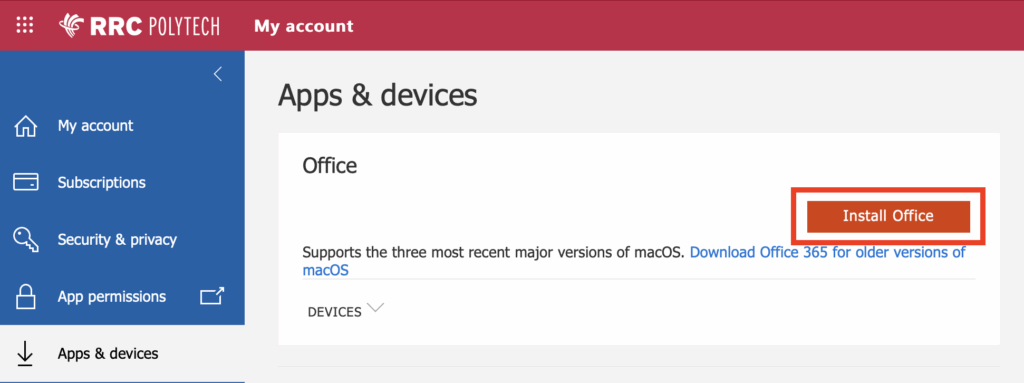
All RRC Polytech students have access to Office 365 and can choose to access them online or download the applications to their computer.
The Microsoft suite of products includes: Word, PowerPoint, Excel, Outlook, Microsoft Teams, OneDrive and OneNote.

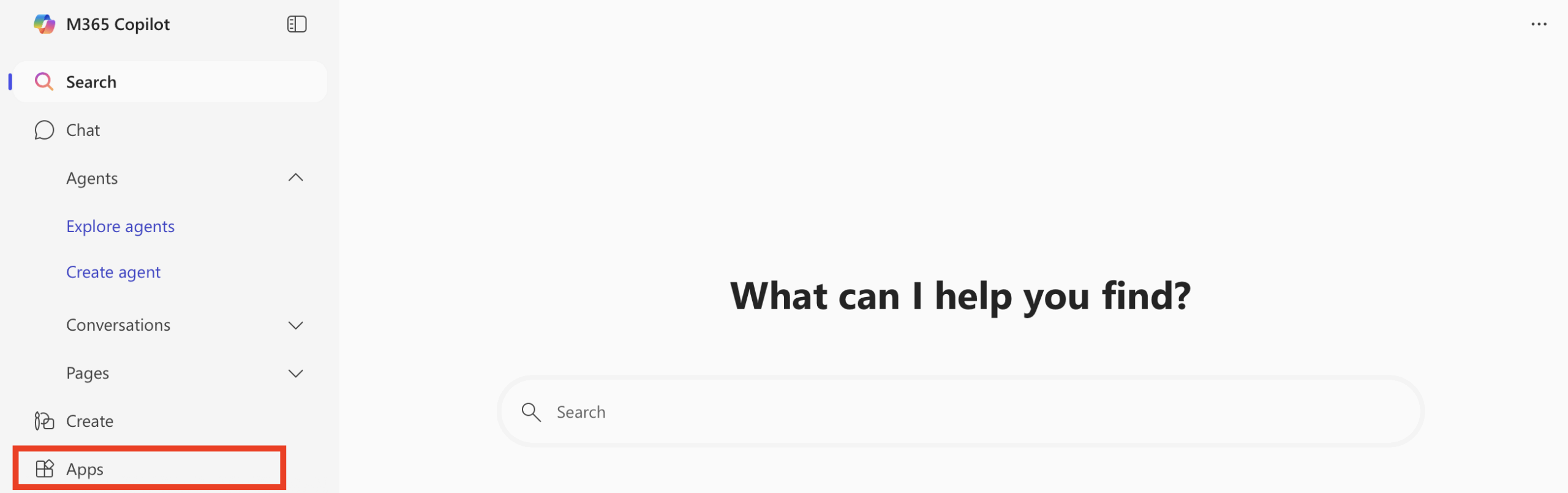
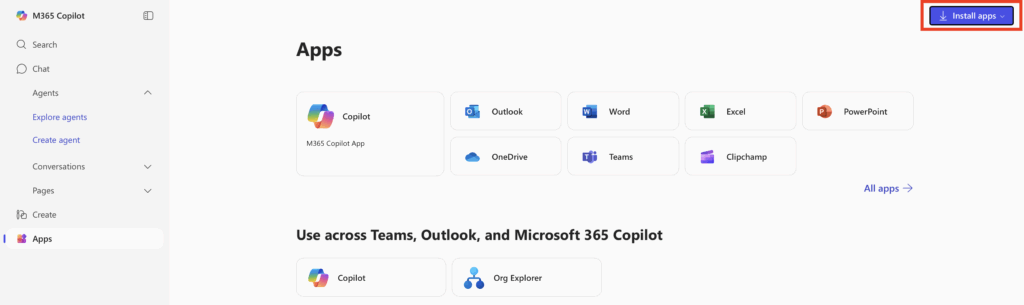
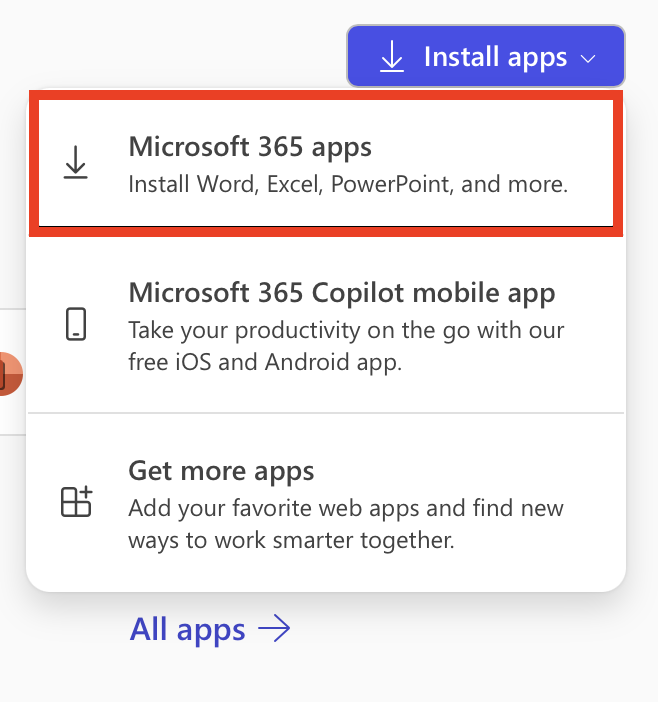
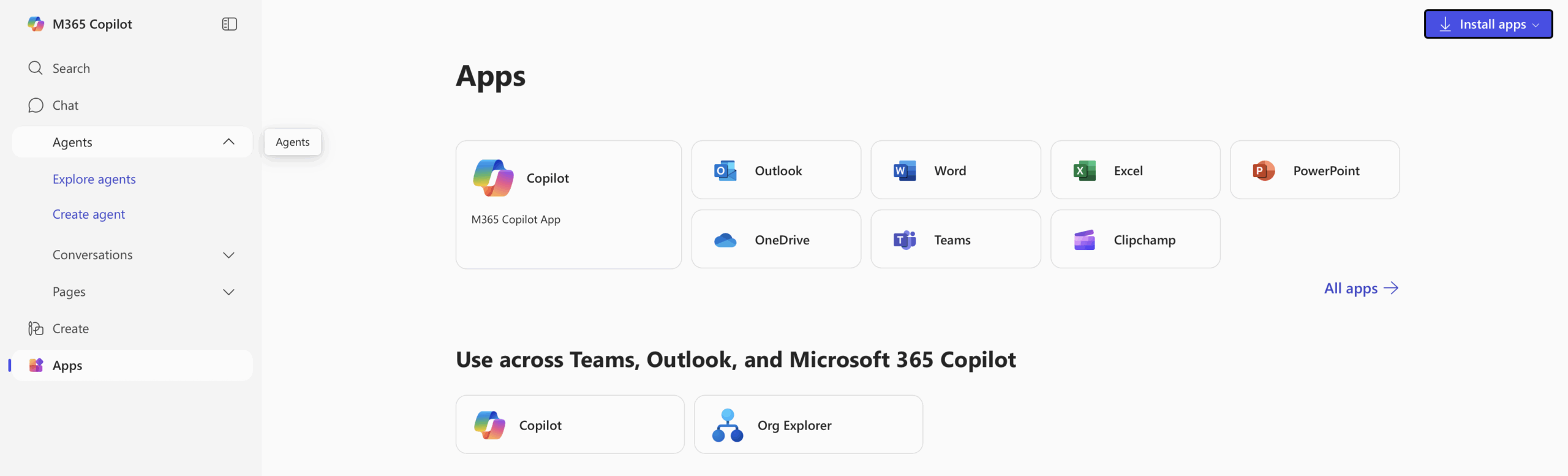
From the Microsoft 365 Copilot landing page click on any of the application icons to create a document. You may be prompted to login to your Microsoft account. Once you are logged in, the document you create will open. All documents created with Office 365 online are saved to your OneDrive storage and can also be downloaded to your laptop.
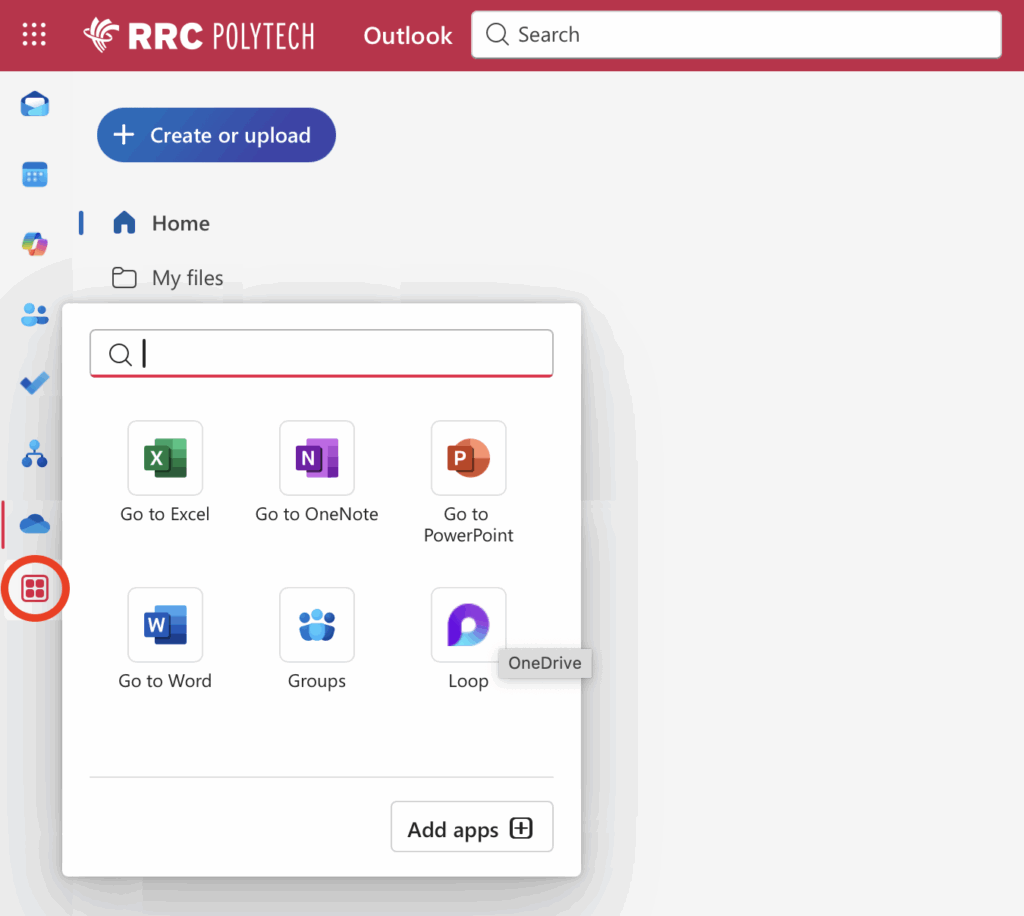
Or access Office 365 Online through navigating to the apps section on the lefthand side in Outlook online.
For more information about Office 365 and OneDrive storage visit Information Technology Solutions’ Help Resources section.
RRC Polytech campuses are located on the lands of the Anishinaabeg, Ininiwak, Anishininwak, Dakota Oyate, and Denésuline, and the National Homeland of the Red River Métis.
We recognize and honour Treaty 3 Territory Shoal Lake 40 First Nation, the source of Winnipeg’s clean drinking water. In addition, we acknowledge Treaty Territories which provide us with access to electricity we use in both our personal and professional lives.