
International Pronouns Day 2025
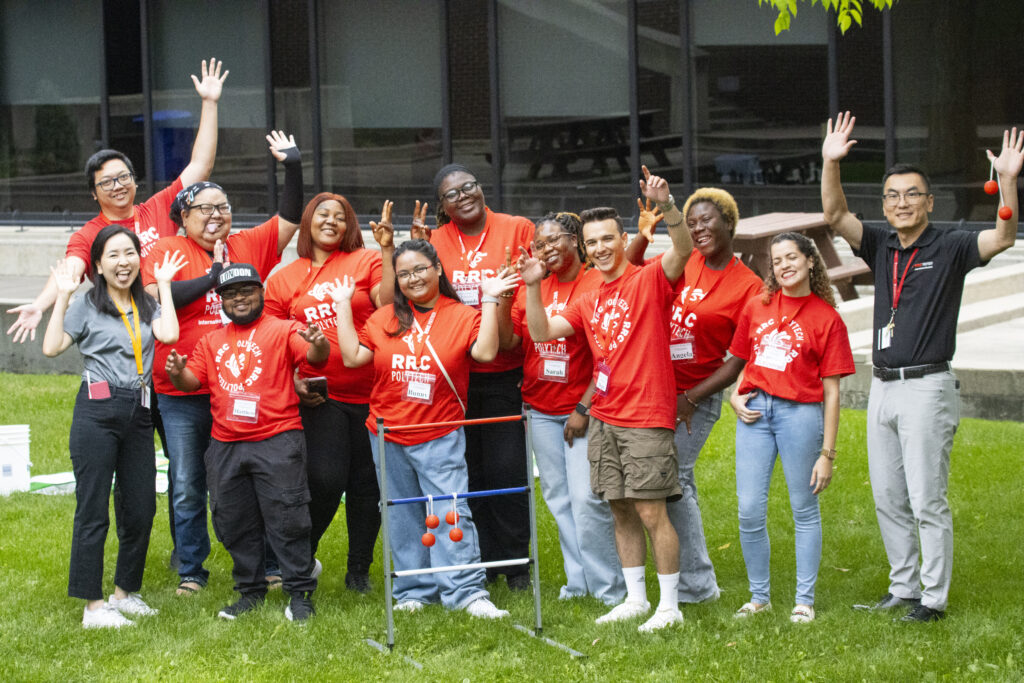
October 15 is International Pronouns Day. This day is about the importance of using people’s pronouns correctly. A small act like this can help everyone feel welcome and included.
At RRC Polytech, we are dedicated to creating a respectful and welcoming environment that is diverse, inclusive, and equitable for all students and staff. We encourage everyone to help build a learning and working culture where fair treatment is upheld, and each person can reach their full potential.
Using a person’s chosen name and pronouns is an important way to affirm their identity and show respect. We all play a role in making sure individuals feel safe to share their pronouns in our classrooms and workplaces. By fostering accountability and care, we can ensure that correct pronouns are used and respected.
Learn more about pronouns:
- What are personal pronouns and why do they matter?
- How do I use personal pronouns?
- What if someone makes a mistake and mispronounces someone else’s pronouns?
- How do I share my personal pronouns?
- How do I ask someone their pronouns?
- How do I use gender inclusive language?
- What other resources can help me?
How to start using pronouns:
- Ask and respect pronouns. If you’re not sure, it’s okay to politely ask.
- Share your own pronouns. In introductions, email signatures, or online profiles.
How to display your pronouns in your RRC Polytech online profile:
Employees
- Log in to HUB and select ‘HR Unlimited’
- Select ‘My Portal’
- Within ‘My Portal,’ select the ‘Personal’ tab, and then select ‘Personal Information’
- Within the ‘Personal Information’ section, locate the ‘Pronouns’ section, and select ‘Add or Modify Pronouns’
- A pop-up box will appear, and you can select your pronouns from the drop-down menu.
- Once you have selected your pronouns, select the ‘OK’ button. You will receive a notification to confirm ‘The record has been saved’ at the top left of the screen.
Students
- Log in to HUB and select ‘Payments and Profile’
- Select under the ‘User Options’ in the side left sidebar select ‘User Profile’
- Select ‘Edit Personal Identity’
- Within the ‘Identity Details’ section, locate the ‘Preferred Pronouns’ section
- A pop-up box will appear, and you can select your pronouns from the drop-down menu.
- Once you have selected your pronouns, select the ‘Save’ button. You will receive a notification to confirm ‘Successfully updated user profile’ at the top right of the screen.
- For more information contact studentservices@rrc.ca.