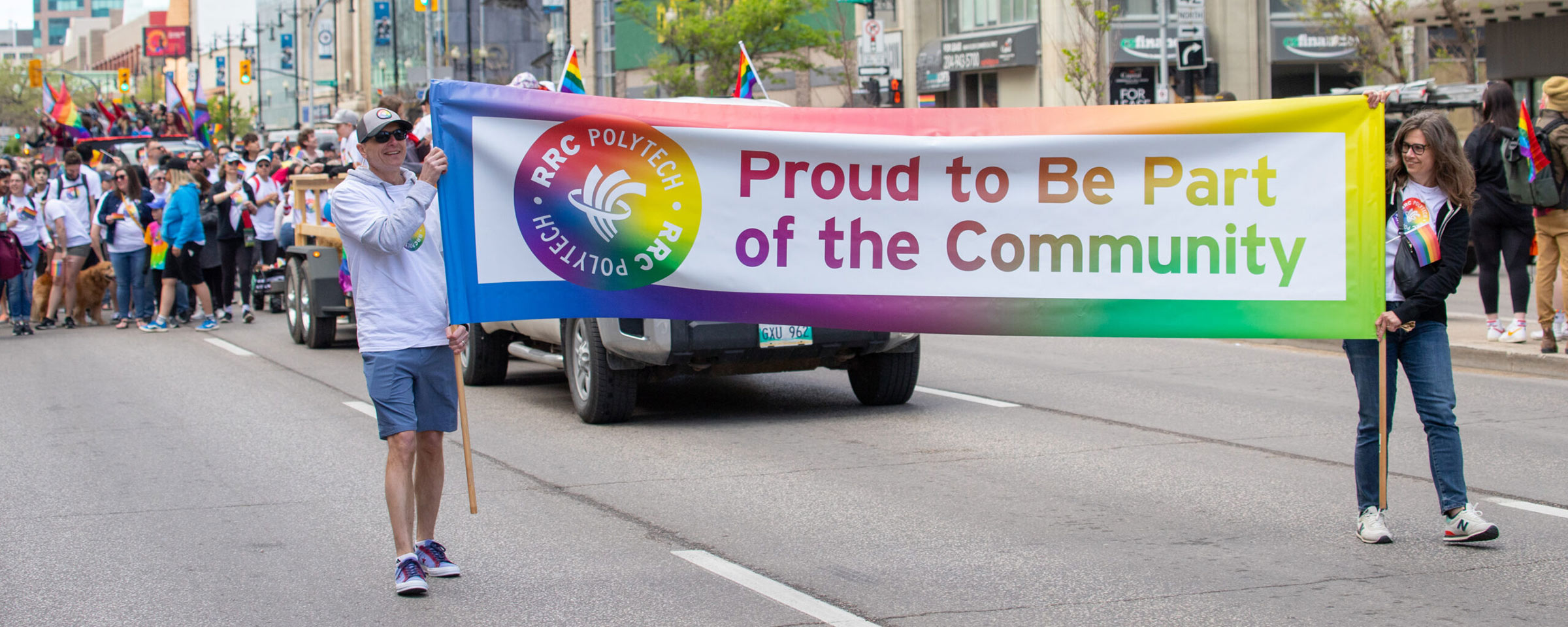
Celebrate Diversity with a New MS Teams Background!
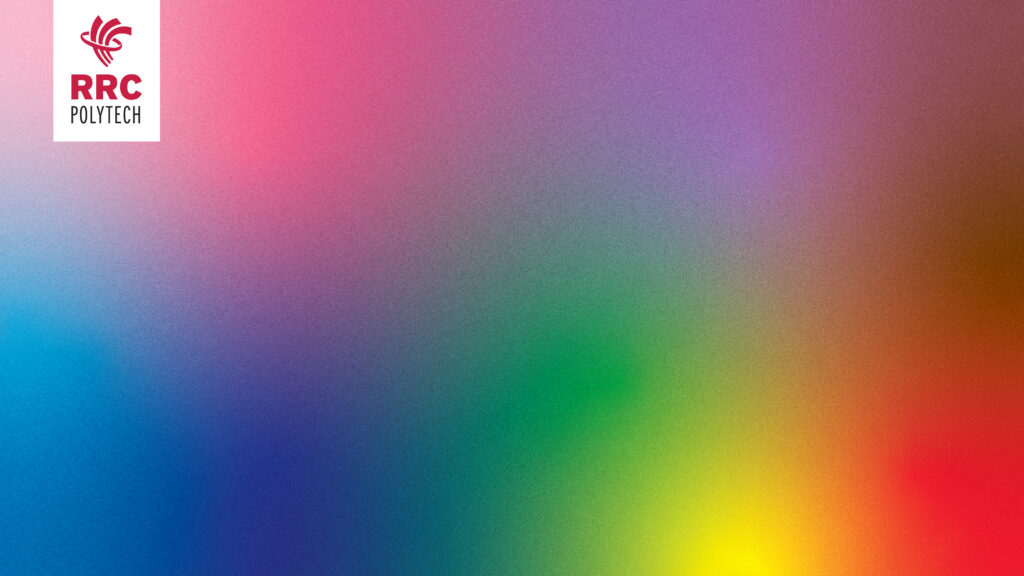
The Gender and Sexual Diversity (GSD) Group has created a new background for virtual meetings to celebrate diversity, inclusion, and belonging for all in our community.
It’s designed for everyone who wants to help create a welcoming space in every virtual meeting.
How to use it:
- Download the background by right-clicking the link and saving it to your computer
- To change your MS Teams background before or during a meeting, follow these steps from Microsoft.
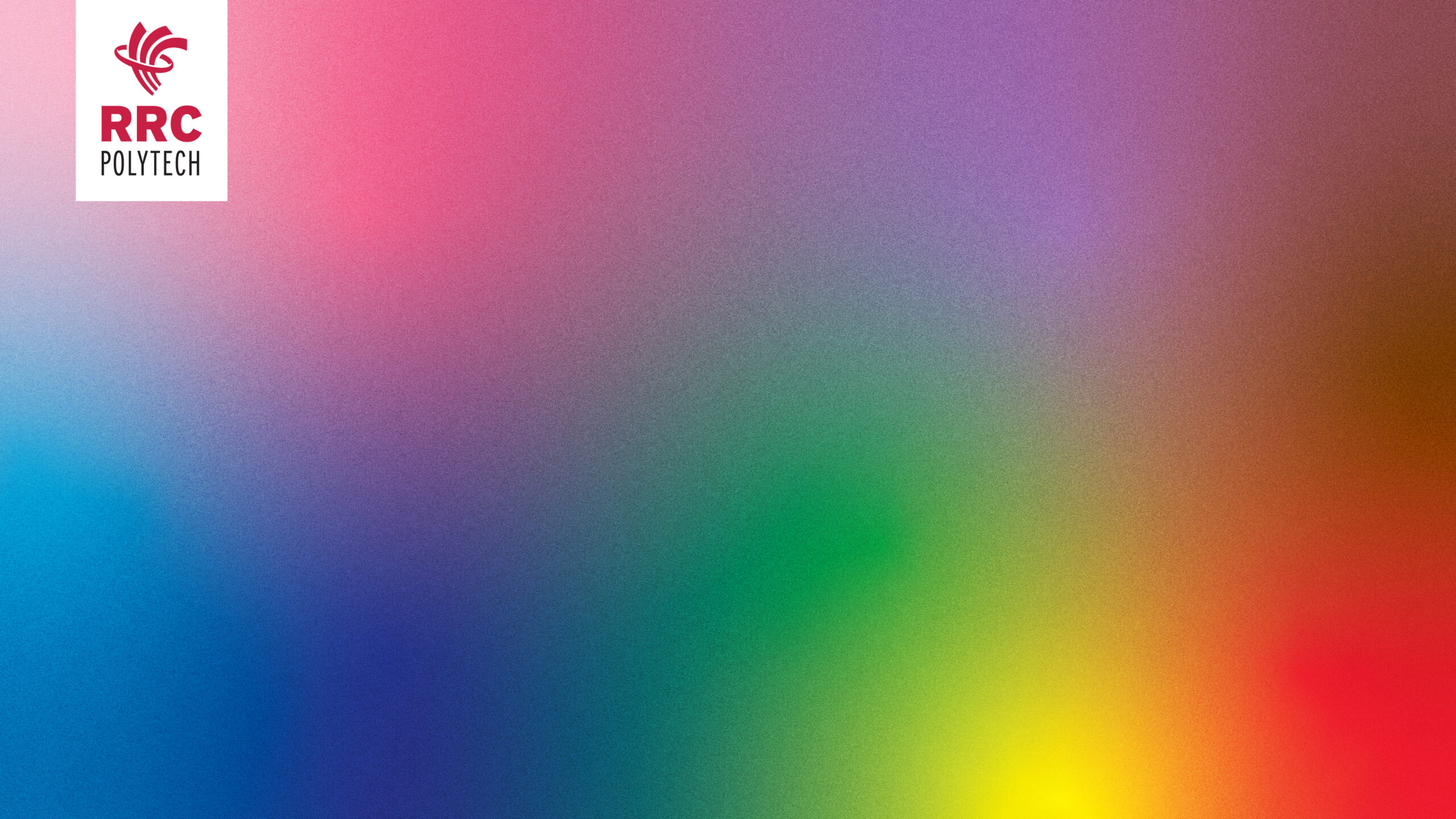
Note: When using images as backgrounds in MS Teams, they may look reversed on your own screen. However, they display correctly for others in the meeting. If you’re unsure, you can ask a colleague to confirm how it looks on their computer.
If you have any questions, please email us at diversity@rrc.ca.