
RRC Polytech uses multi-factor authentication (MFA) to provide an extra layer of security for your RRC account. With multi-factor authentication, in addition to your RRC user name and password, a time-limited verification code is required when you log on to Microsoft 365 services, Outlook desktop and mobile clients, Microsoft Teams, and HUB. If a hacker were to steal your password, it would be difficult for them to access your account without that verification code.
Once you log on using multi-factor authentication, you will not receive another prompt for a verification code unless you completely sign out or change your password.
Once you have claimed your account or if you have already claimed your account, you may proceed with either the:
Once purchased, please follow this instructional video called Hyper Fido2 USB security key set up instructions to set up your multi-factor authentication.
These Microsoft Authenticator instructions are for both staff and students.
| Staff | Student |
|---|---|
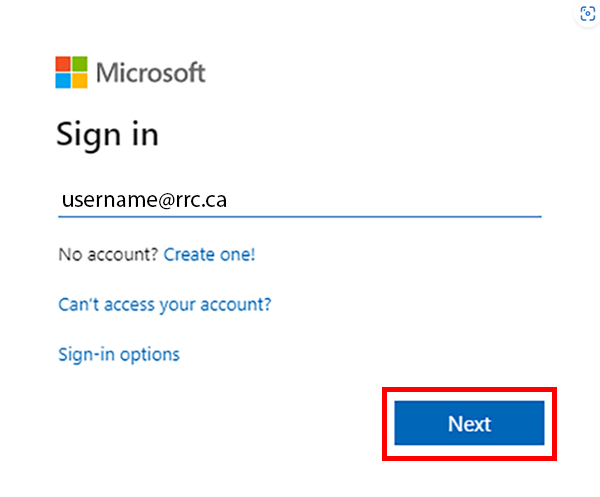 |
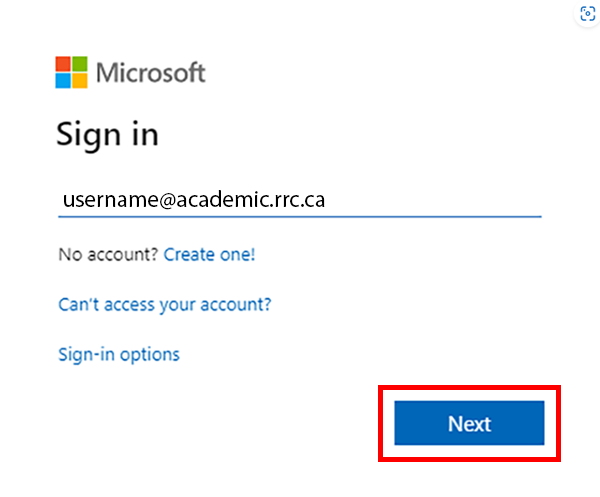 |
| Staff | Student |
|---|---|
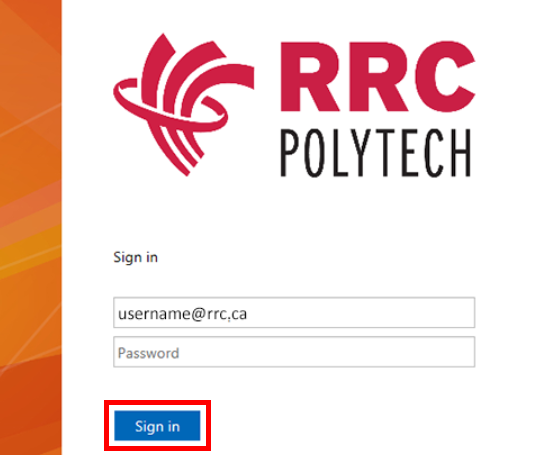 |
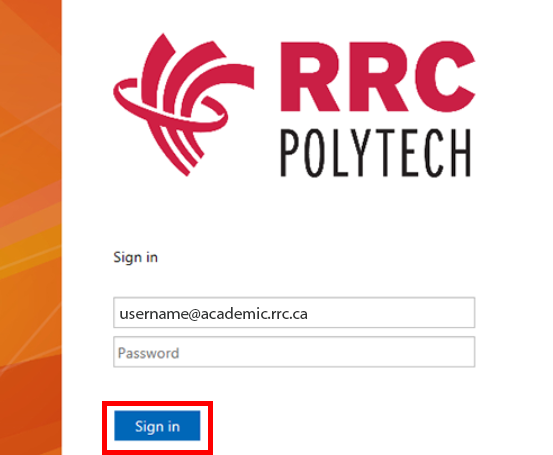 |
| Staff | Student |
|---|---|
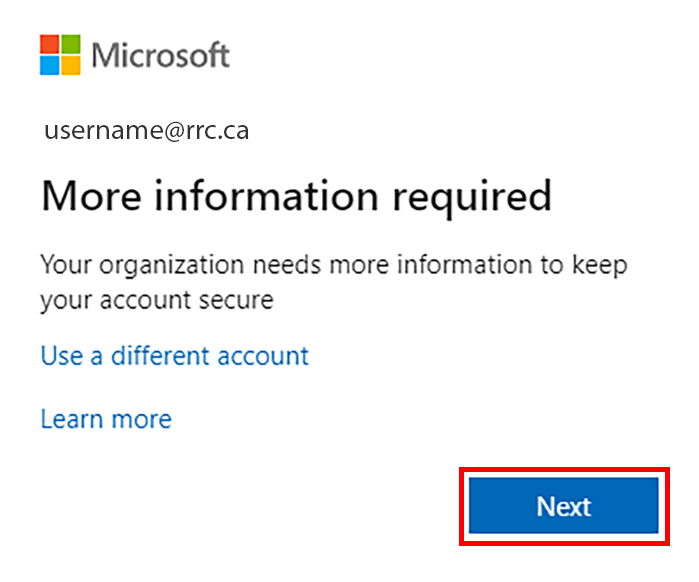 |
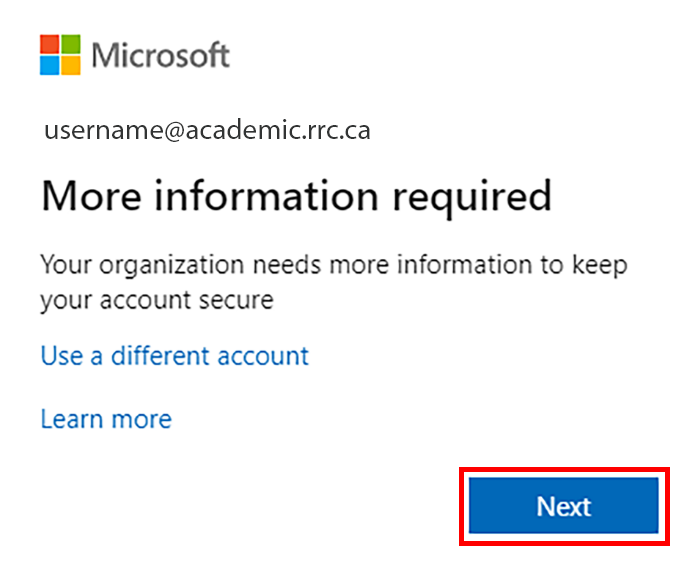 |
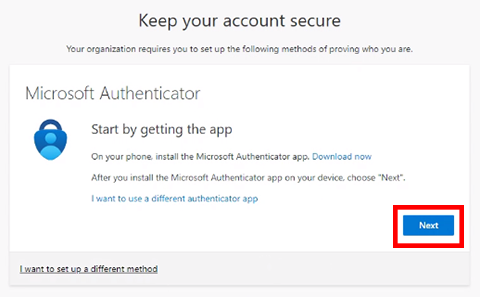
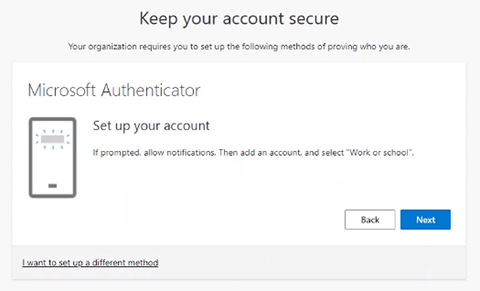
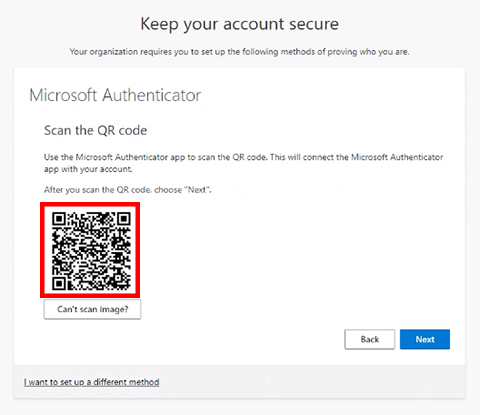
At this point you will have successfully configured MFA on your RRC Polytech account.
You may also call us at 204-632-2125, or email us at servicedesk@rrc.ca.
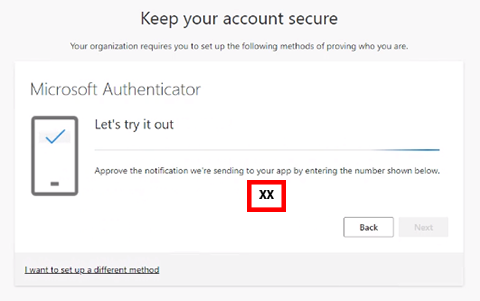
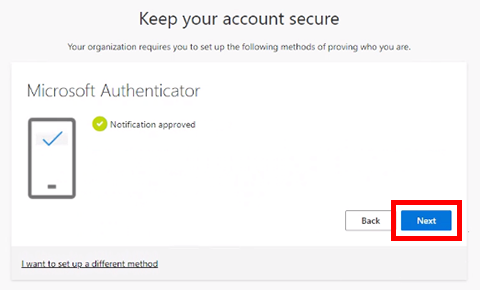
At this point you will have successfully configured MFA on your RRC Polytech account.
You may also call us at 204-632-2125, or email us at servicedesk@rrc.ca.
RRC Polytech campuses are located on the lands of the Anishinaabeg, Ininiwak, Anishininwak, Dakota Oyate, and Denésuline, and the National Homeland of the Red River Métis.
We recognize and honour Treaty 3 Territory Shoal Lake 40 First Nation, the source of Winnipeg’s clean drinking water. In addition, we acknowledge Treaty Territories which provide us with access to electricity we use in both our personal and professional lives.