
To not do so, will leave your Android phone unregistered and with no work profile on your phone.
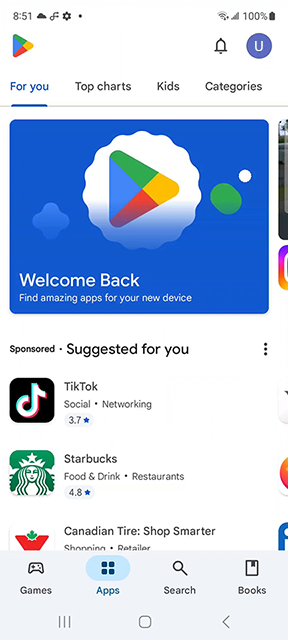
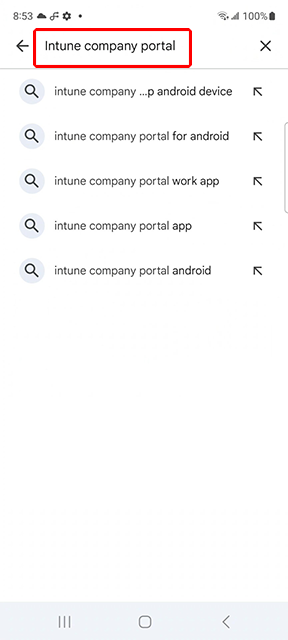
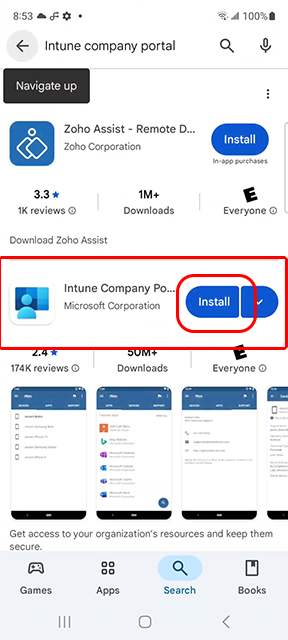
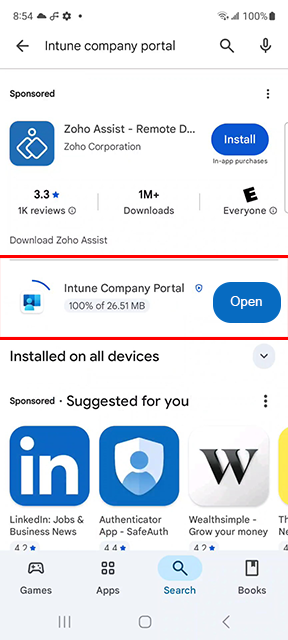
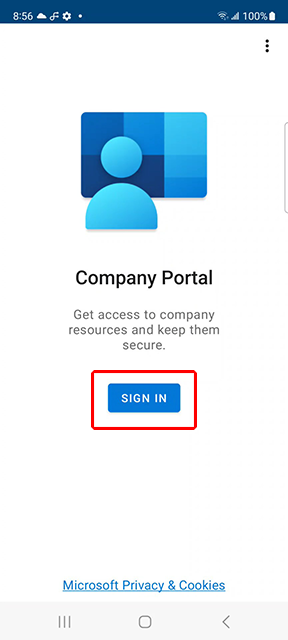
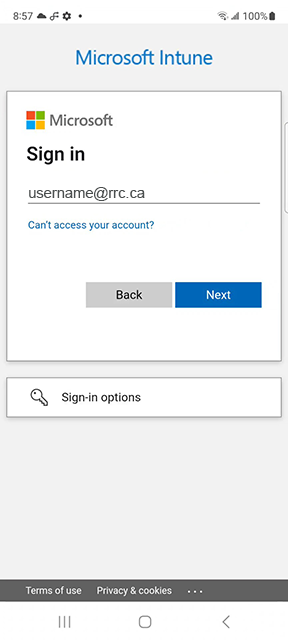
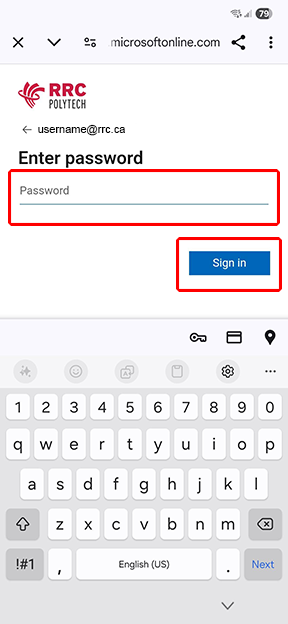
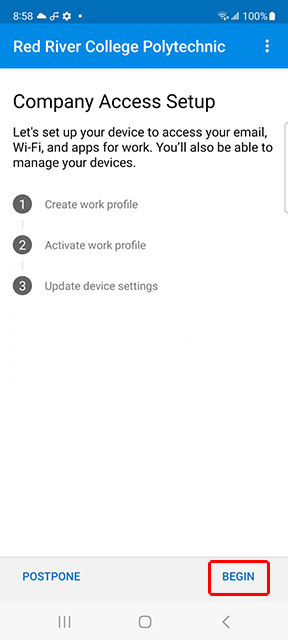
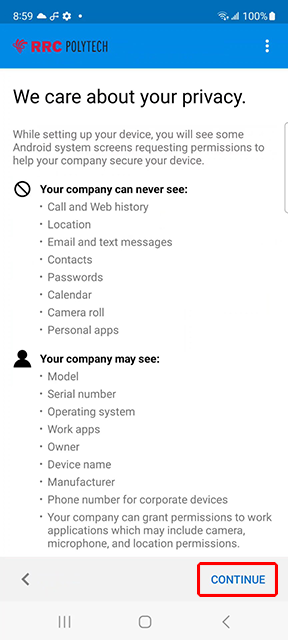
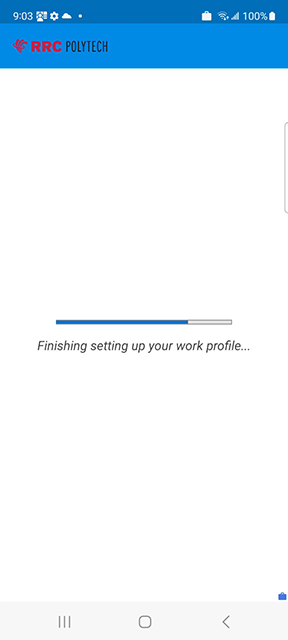
On the RRC Polytech window, it will show it is setting up your work profile.
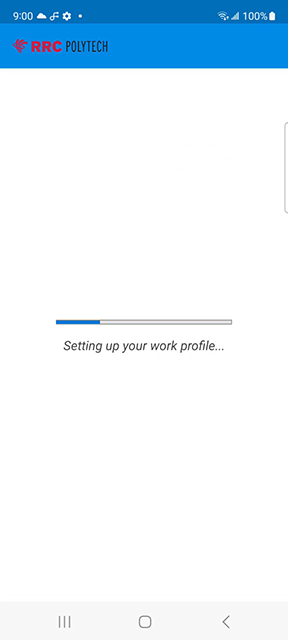
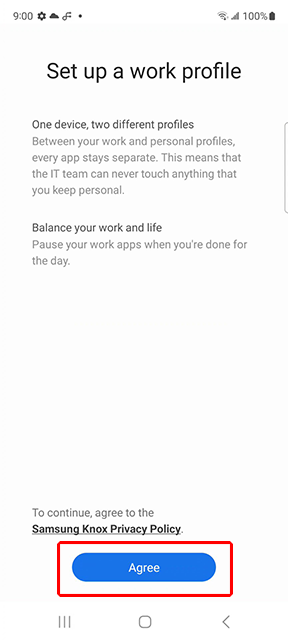
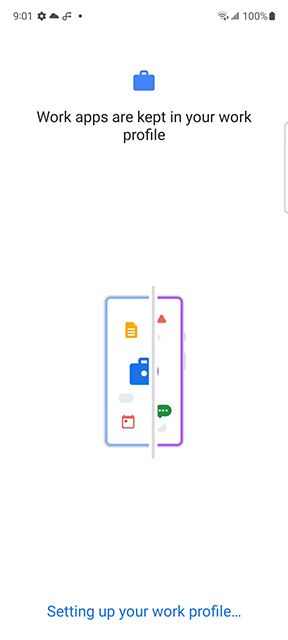
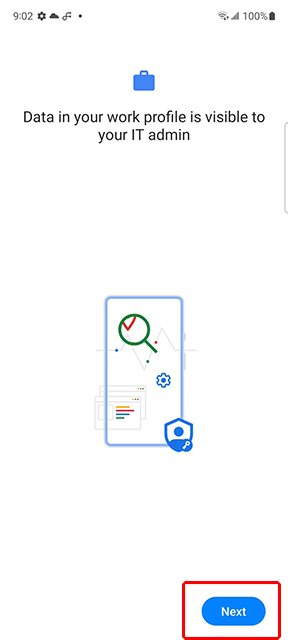
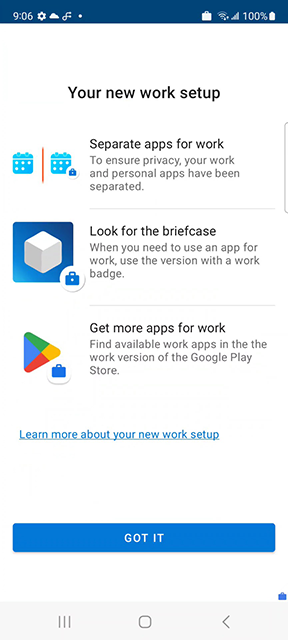
The next screen indicates that the work apps are kept in your work profile.
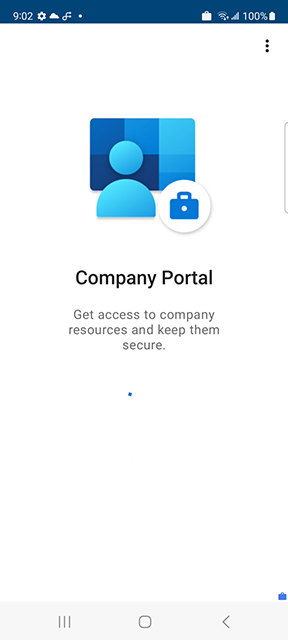
Company Portal will open.
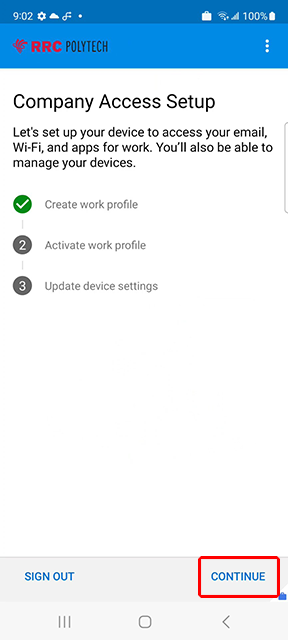
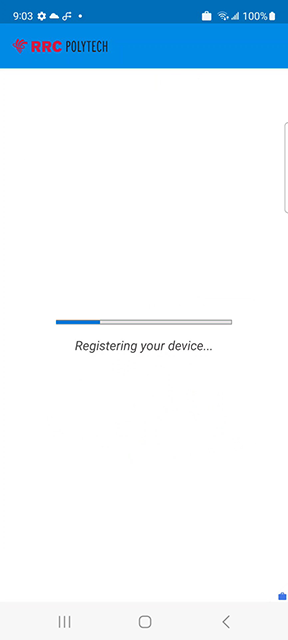
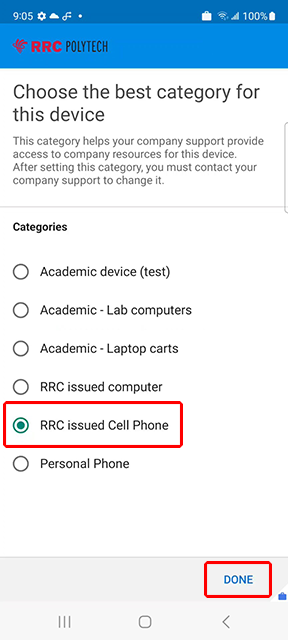
It will show it is registering your device.
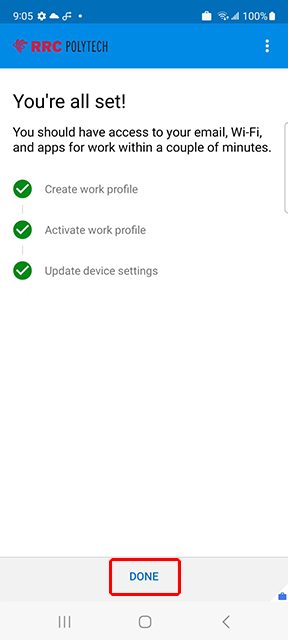
It will show it is finishing the work profile.
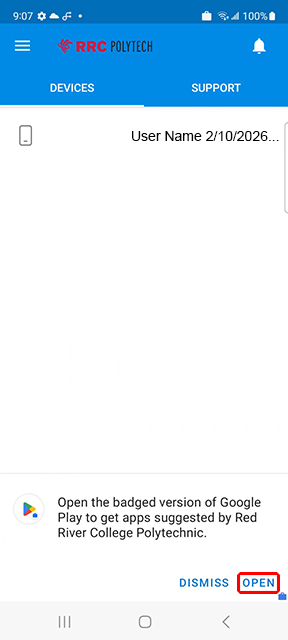
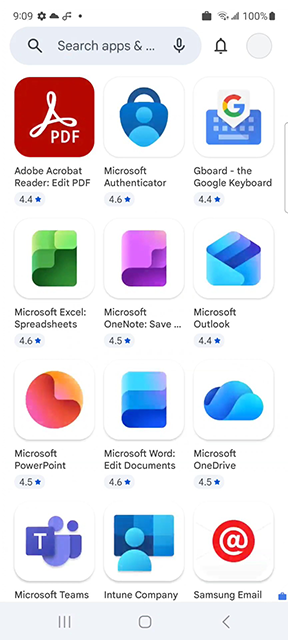
RRC cannot make changes to your personal profile and data. Your personal information remains private.
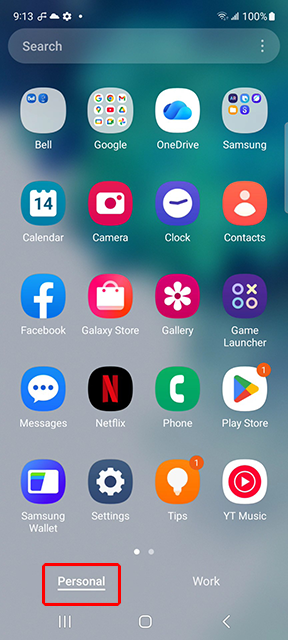
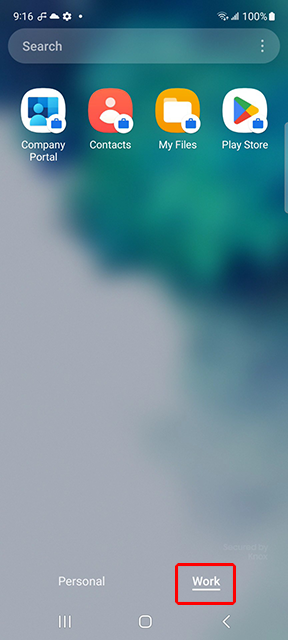
You will know you are in the Work tab and installing a work app, when you see the briefcase icon.

← Back to Register your work profile on your RRC Polytech-issued Android phone (New or Existing)
RRC Polytech campuses are located on the lands of the Anishinaabeg, Ininiwak, Anishininwak, Dakota Oyate, and Denésuline, and the National Homeland of the Red River Métis.
We recognize and honour Treaty 3 Territory Shoal Lake 40 First Nation, the source of Winnipeg’s clean drinking water. In addition, we acknowledge Treaty Territories which provide us with access to electricity we use in both our personal and professional lives.