
Microsoft Whiteboard is a free tool to collaborate with others in real time, working on the same virtual canvas, across devices. Create professional-looking charts and shapes. Create freely and naturally as Microsoft Whiteboard is designed for pen, touch, and keyboard. Work is automatically saved in the cloud, and you can resume work on the same device or a different device. Whiteboard is also a valuable tool to use while in a Microsoft Teams meeting.
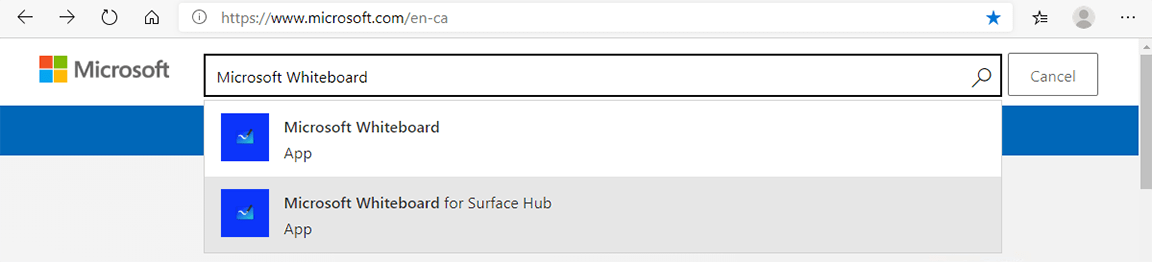
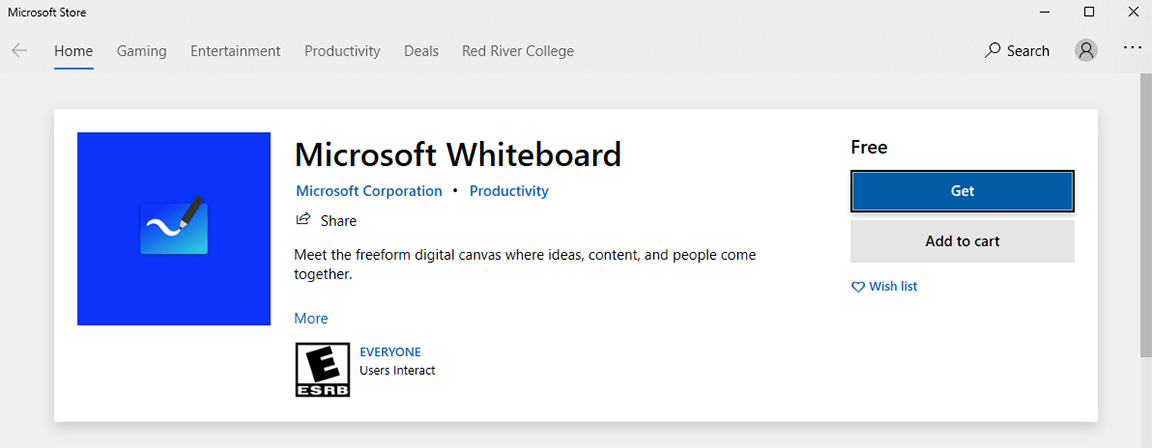
Open your Windows Search box and then type in Whiteboard to open the application.
RRC Polytech campuses are located on the lands of the Anishinaabeg, Ininiwak, Anishininwak, Dakota Oyate, and Denésuline, and the National Homeland of the Red River Métis.
We recognize and honour Treaty 3 Territory Shoal Lake 40 First Nation, the source of Winnipeg’s clean drinking water. In addition, we acknowledge Treaty Territories which provide us with access to electricity we use in both our personal and professional lives.