RRC Polytech Account Statement/Fee Receipt
Please see the detailed instructions below about how to access and print your financial information.
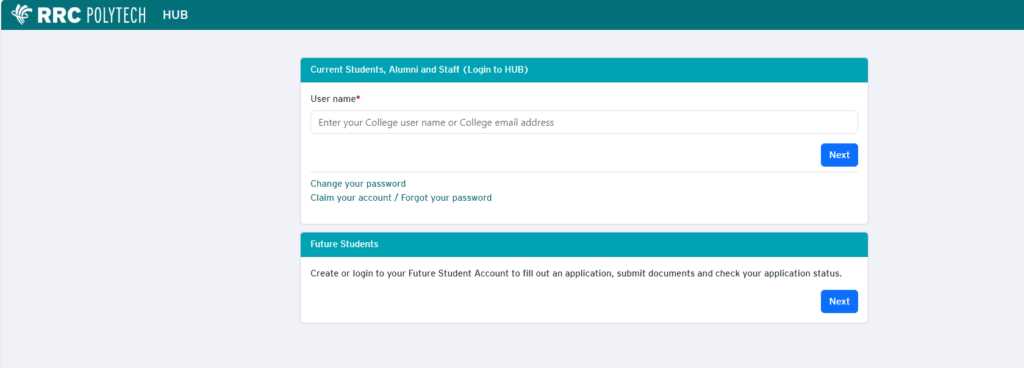
- Log in to HUB
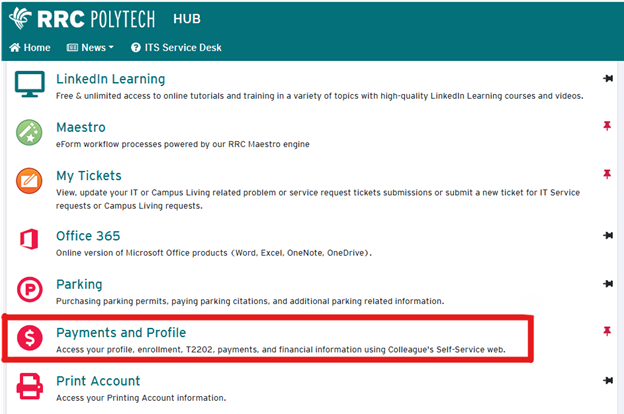
- Click “Payments and Profile”
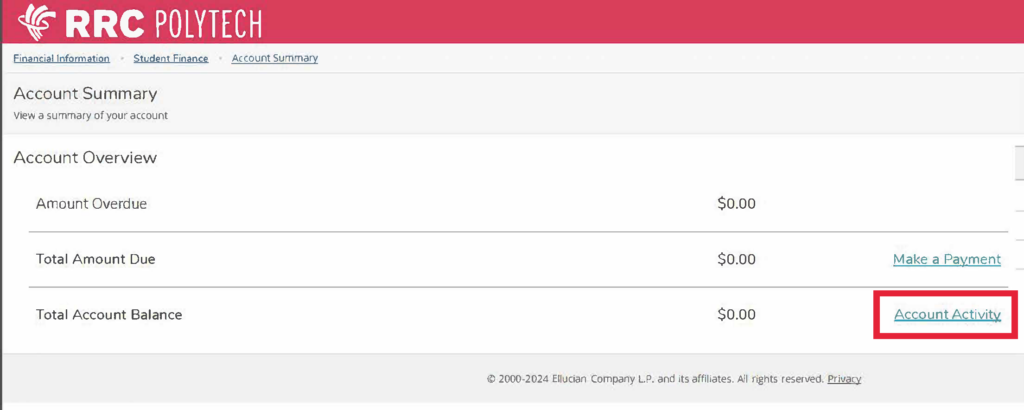
- Click “Student Finance”

- Click “Account Summary”
- This will select the statement for the most recent term. Click “View Statement”
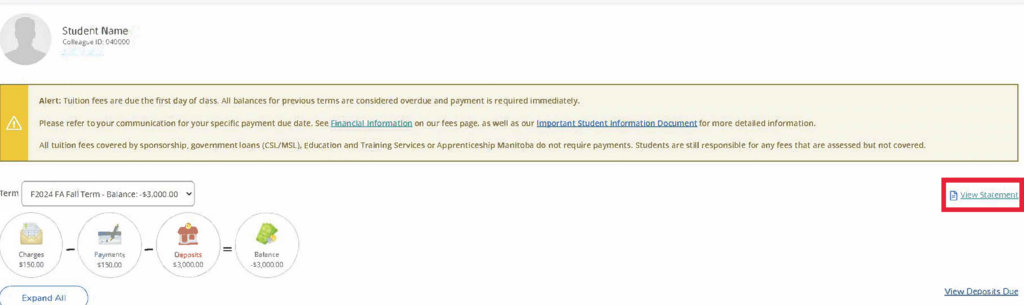
- Download the PDF file and merge it with other proof of fund documents (see sample of RRC Polytech Account Statement)