Know Your Resources – Acadoodle
Calling all medical professionals and students! RRC Polytech’s Library is home to many fantastic databases on a variety of topics, many of which have a medical focus.
One of the best resources in our collection is Acadoodle (College login required). This database is composed of various micro-courses covering aspects of electrocardiograms (ECG), arterial blood gas tests (ABG), and some of the various electrolyte tests. The site also has articles available about tips and techniques on the subject matter.
The Homepage
Acadoodle is very user friendly. Upon entering the site, you will immediately see the various video courses that are available as you scroll. By clicking “Get Started,” you will be brought to another webpage with all the courses that are available.
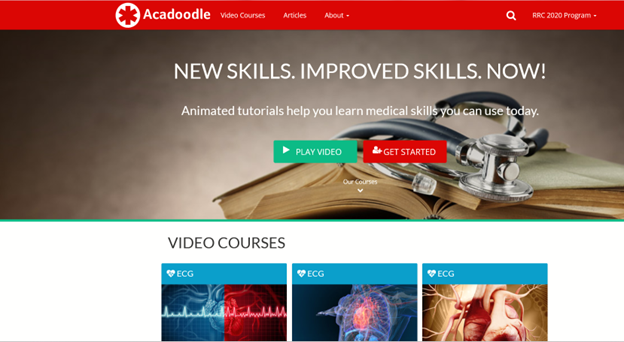
You can also access any of the courses through the “Video Courses” tab on the top of the home screen.
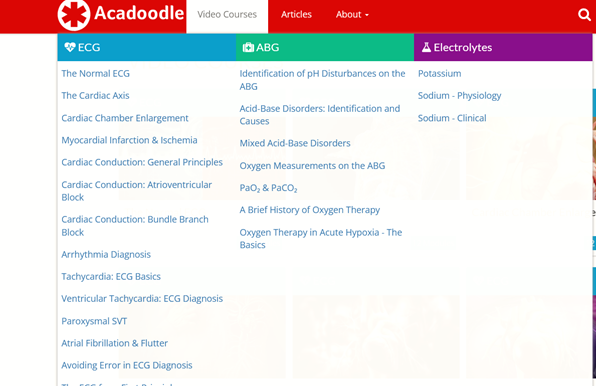
Please note: the search bar is non-functioning at this time.
Video courses
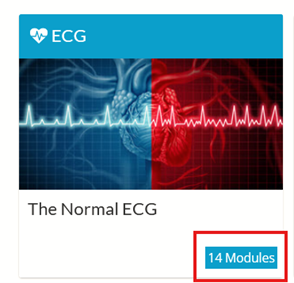
Depending on which video course you choose, there will be a different number of modules in each. For example, the video course “The Normal ECG” has 14 modules within.
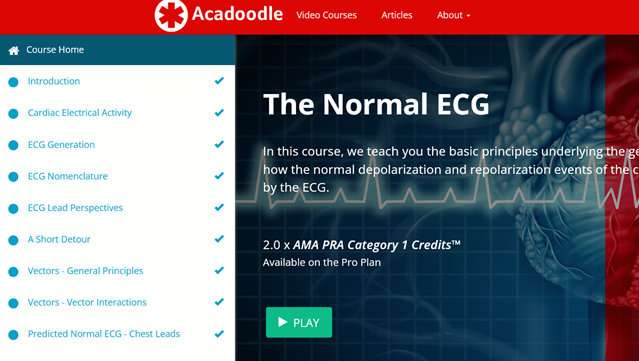
Each module included is listed on the left side of the screen.
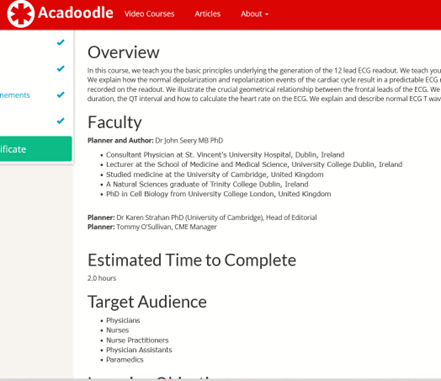
You can read an overview of the course before you start which includes estimated completion time, target audience, learning objectives, and the course content.
When you view videos, there are options for full screen as well as increasing the speed of said video. You can find those in the bottom right corner.
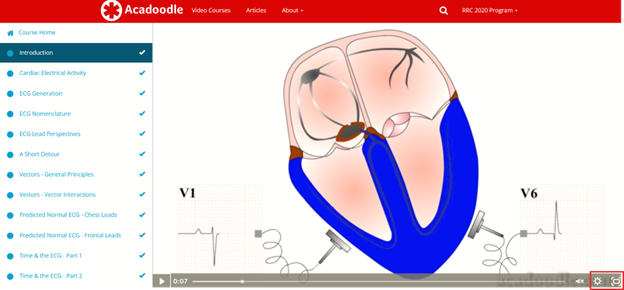
Each time you complete a module, a check mark will appear next to the title of the module, and you can go to the next video. While you do not need to watch the videos in order, it is recommended. If you do not watch the module, it will remain greyed out.
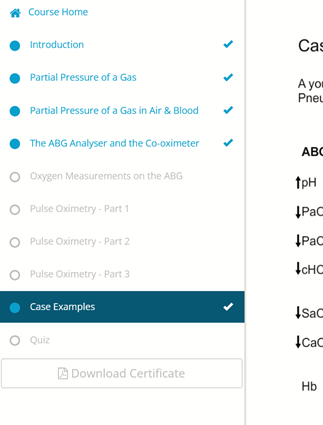
Once you are finished working through the modules, there is a quiz at the end to test yourself for understanding. The quiz can be taken multiple times if needed and has no bearing on whether the certificate can be obtained.
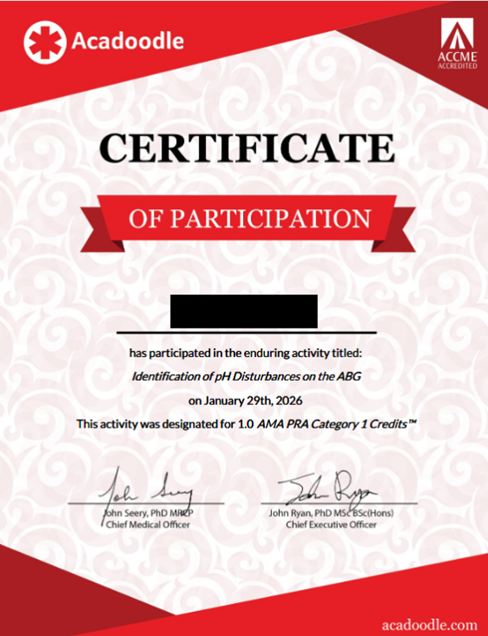
Please note: in order to download a certificate of completion, all modules must be viewed.
Now that you know the basics, you are free to start doing modules on your own. While the library provides these step-by-step instructions, we recognize that each learner is unique and has an individual approach to understanding new concepts. Please visit us at any time and we will be happy to walk you through it in person. You can also reach out to us for further information by phone, email, or through library chat.
(Written by Justine Hawley, Resource Management Technician)